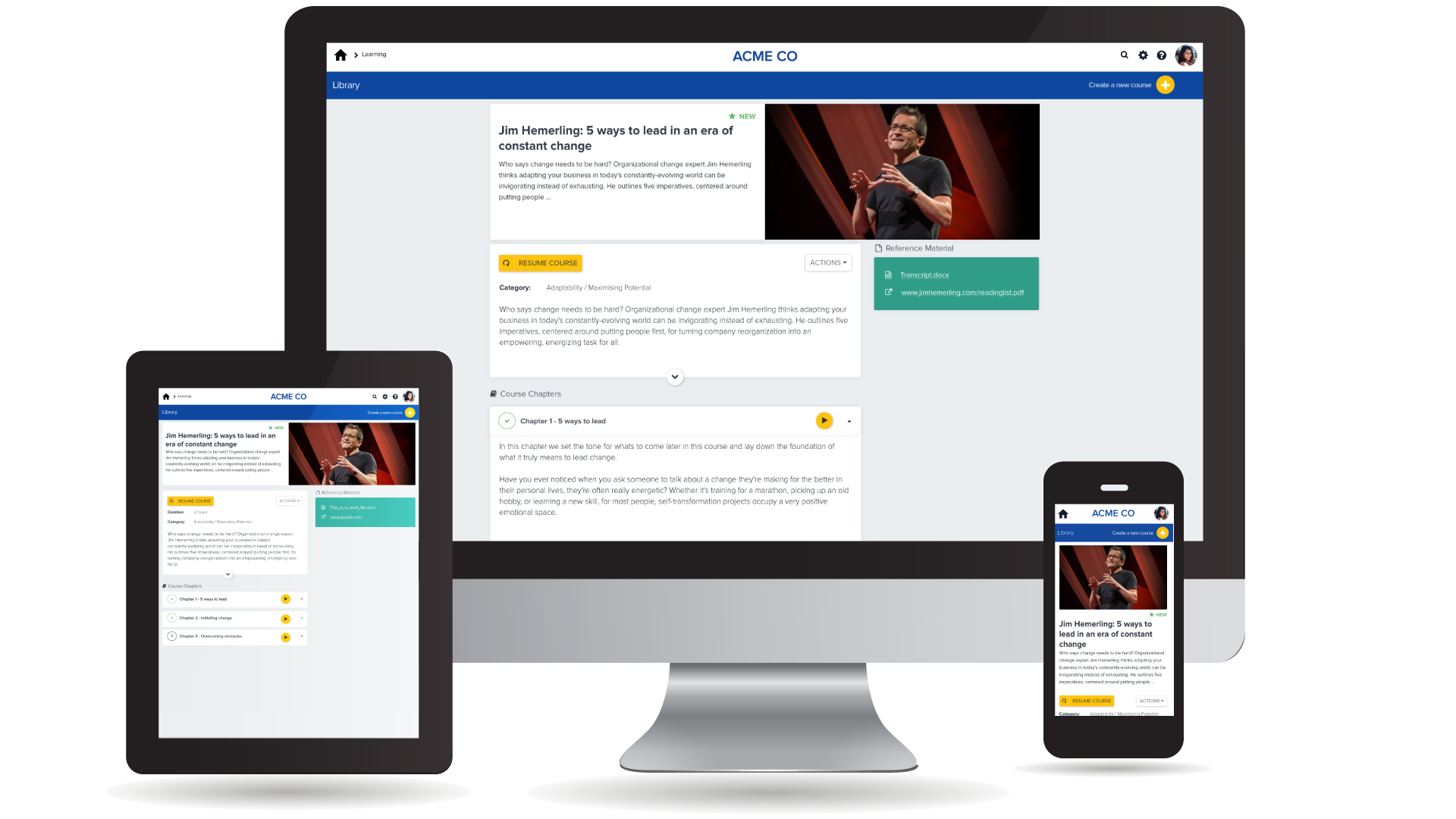
Adobe Captivate is an elearning authoring and course design tool (or LCMS). It supports mobile HTML5 content. Captivate’s users are commonly midsized businesses to enterprises. Adobe Captivate includes some prebuilt assets as well as customizable workflows.
$33.99
per month
PiiQ by Cornerstone
Score 8.7 out of 10
N/A
Cornerstone’s PiiQ is an SMB offering formerly known as Sonar6. PiiQ is aimed at small-to-medium sized businesses and includes core learning management and performance management systems, including content creation, mobile accessibility, and in-product reporting.
$8
per user per month
Pricing
Adobe Captivate
PiiQ by Cornerstone
Editions & Modules
Subscription
$33.99
per month
Student & Teacher Edition
$399
one-time fee
Upgrade
$499
one-time fee
Pereptual License
1,299
one-time fee
PiiQ Performance
$8.00
per user per month
PiiQ Learning + Content
$8.00
per user per month
PiiQ Learning + Content & Performance
$15.00
per user per month
Offerings
Pricing Offerings
Adobe Captivate
PiiQ by Cornerstone
Free Trial
Yes
Yes
Free/Freemium Version
No
No
Premium Consulting/Integration Services
No
No
Entry-level Setup Fee
No setup fee
$1,000 per installation
Additional Details
—
—
More Pricing Information
Community Pulse
Adobe Captivate
PiiQ by Cornerstone
Features
Adobe Captivate
PiiQ by Cornerstone
Learning Management
Comparison of Learning Management features of Product A and Product B
Adobe Captivate
9.1
Ratings
7% above category average
PiiQ by Cornerstone
6.6
Ratings
21% below category average
Course authoring
8.00 Ratings
6.00 Ratings
Course catalog or library
9.00 Ratings
6.80 Ratings
Player/Portal
8.00 Ratings
6.80 Ratings
Learning content
9.00 Ratings
6.60 Ratings
Progress tracking & certifications
9.00 Ratings
6.20 Ratings
Learning reporting & analytics
9.00 Ratings
6.90 Ratings
Social learning
10.00 Ratings
00 Ratings
Gamification
8.00 Ratings
00 Ratings
Mobile friendly
00 Ratings
7.90 Ratings
Assignments
00 Ratings
6.70 Ratings
Compliance management
00 Ratings
5.80 Ratings
Learning administration
00 Ratings
6.60 Ratings
eLearning Content
Comparison of eLearning Content features of Product A and Product B
Adobe Captivate is well suited for software training. Even though we do not use the software simulation recording feature, we simulate the environment with screenshots and then roundtrip into Photoshop to make edits to a screenshot For example, they added 3 new fields and it affects 25 different slides in the course. I dummy up the 3 new fields in Photoshop, copy the layers with the new fields, flatten and save the screenshot and it's instantly updated in Abode Captivate. I then locate the next slide that needs the same new fields added and round trip into Photoshop and then I just select Paste in Place and flatten and save. The alignment is perfect and the screenshots never leave Adobe Captivate. I had a course that I had to do this to with about 25 slides and it was easy peasy.
Great for managing medium sized teams of people spread over geographically dispersed offices. Not so good for small teams (less than 15). Requires a degree of time and effort to set up correctly to provide useful data for management and a good experience for staff members, but once that effort has been made the results are great.
Easy learning curve. Captivate makes it easy for a new user to pick it up and understand where to begin. Adobe, in general, does this very well and Captivate is no exception. When you begin using Captivate, many of the tasks to create a video come naturally as things are laid out in a way that makes sense.
Embedding with LMS (Learning Management Systems). Adobe has made it very easy to deploy your produced video to any of the popular LMS's available. Captivate also gives you a very easy way of including a SCORM score for any quizzes that must be passed at the end of the video in order to proceed to the next video.
Capturing Audio has never been easier. With Captivate you can easily add voice-over audio that you can record directly inside of Captivate, or import a pre-recorded audio clip. You can import sounds from other sources for effects in the video and Captivate already includes all of the commonly used sounds for mouse-clicks, error sounds, etc.
Templates. There seem to be "themes," but Adobe Captivate has a terrible time saving any sort of object preferences which makes it really difficult when a set of courses need to follow branding guidelines. I have to create a basic course and set up all my colors and whatnot and start every course using that.
Ease of use. It is like pulling teeth sometimes to get Adobe Captivate to do things. You may be able to get it to do it, but it'll be like a dozen or more steps which make creating courses incredibly tedious.
A bigger focus on software simulation. Adobe Captivate isn't designed for simulation, I get that, and I am happy it does as much as it does. However, it could be better to capture actions and things within a program. For instance, click and drag options and hot-key combinations.
Being able to select more than one person when approving goals.
Options to identify which people managers haven't approved goals, dine a review etc...rather then having to mimic each manager to see how they are going.
360 Feedback to stakeholders outside the business.
Being able to remove a role that isn't being used in the organization anymore.
We have hundreds of courses that were created in Adobe Captivate. It will take us a while to convert to Articulate. We'll need a license for another year and/or until Adobe comes out with a true update to the software.
It's not that CSB isn't a decent performance management system, but we have decided to go with just one vendor (Workday) for an HRIS/performance management/payroll system so we can directly relate pay to performance. We are more interested in having just one system that "talks" to the other pieces instead of having to work with several vendors. It reduces the hassle of having to communicate with different support teams, having different contracts, and so on.
Adobe Captivate does take some getting used to. There are features that are much more convoluted than they need to be, but overall it is a great product with a some excellent features. Being in a pretty small market, Adobe Captivate and Articulate Storyline dominate the space. They are not the same software, but allow for eLearning authoring. Each has their benefit and their downside, but, for me, Adobe Captivate edges out Storyline.
There are specific things within the goals and competencies that are user-friendly. For example, the rating slider isn't great in my opinion. You can slide in between ratings which can create some odd scoring (if you use scoring). It seems a better solution would be a drop down where you select your rating. There are also some glitches in the system and have been told Cornerstone is aware of them but are focused on delivering new features. There are workarounds, but that doesn't seem to be a great answer.
The saving process slows it down. It doesn’t auto save. If you leave a page, it will sometimes warn you, but not always. When you hit the save button, a window pops up that says creating/saving packets. It feels very archaic.
It is difficult to get in touch with Adobe Captivate support. With a seemingly limited number of resources, mostly outsourced, getting in contact with someone to help troubleshoot an issue is challenging. Typically wait times are long, and the desired path to resolution is to use an existing knowledge base or a self-help guide. It is certainly not a user-friendly experience.
My assistant could better address this issue. My perception is that there is not immediate assistance, and that there can be a wait for help. That is not a negative, just a perception. I have not used support in two years.
I'm only aware of the problems Adobe Captivate had with SumTotal LMS and Upside LMS, requiring extensive contact with both internal and external support staff to fix the problems. We had no problems at all with Articulate.
I think we could have done a better job of rolling out the tool to our managers. We were under a tight timeline. In the training, we showed them everything and said go do it by this date. Looking back, I would have done it in pieces: for example, 2 weeks to write goals, 2 weeks to get sign-off from direct reports. I just let them go at it. Since then we’ve moved to agile development environment and are applying the technique to everything. In future would only do through change sprint. It is a big change I didn’t take it seriously enough.
I had a team of 3 project managing. You need a champion from every department to make sure you’re getting it right and to make sure what’s happening is communicated. It’s not something you can do without input from department heads
While Captivate has some awesome niche features for some circumstances, currently it cannot beat the ease of use with Storyline. Whether it's content, variables, quizes, etc. things are just "easier" in Storyline. Even something as simple as triggering an event when the timeline reaches a certain point. We continue to keep Captivate and Storyline because we're hoping it Captivate will continue building its integration with other Adobe apps and become our and the industry standard.
We did review other systems when we purchased PiiQ but I don't know what these were due to the member of staff no longer being with the company, however, I do not that we chose PiiQ as it was simple to use and that it also had the Performance option available in addition to the learning platform. we knew that this was something we wanted to have in the future which is why we purchased it.
Adobe Captivate has allowed our instructors to engage students in ways we never have before.
Instructors who have used Adobe Captivate in our organization have reported higher levels of engagement with their courses and their students, theoretically leading to improved assessment of student performance.
Reviews are generally taking managers less time to prepare because the essential infrastructure is in place. Past reviews are easily retrievable for review if needed.
HR administration of the system takes less time than the previous version of Cornerstone (CSOD). HR is still responsible for training new users, but the built-in user guide is more thorough and easier to use.
We're starting to see - slowly but surely - more (and hopefully better) interaction between manager and employee.