Adobe Acrobat DC is the current version of the well-established document / PDF management solution, part of the Adobe Document Cloud (the other part being Adobe's eSign services based on technology acquired with EchoSign in 2011).
$19.99
per month
IT Glue
Score 8.4 out of 10
N/A
IT Glue, a Kaseya company since the December 2018 acquisition, is an information management platform that allows for efficient storage and retrieval of all the documentation an organization needs to help their MSP run better. By integrating PSA and RMM data, the vendor says they can help increase efficiency, and reduce onboarding times.
Adobe Acrobat is well-suited for editing documents and combining them into a single document if you have such a need. It is super easy, and you can even rearrange the order in which you combine them by simply dragging the documents into the desired order. Adobe Acrobat is great for adding contact documents to your website that customers fill out and complete. Adobe sends it to your email and alerts you so you can then manage the contact from there.
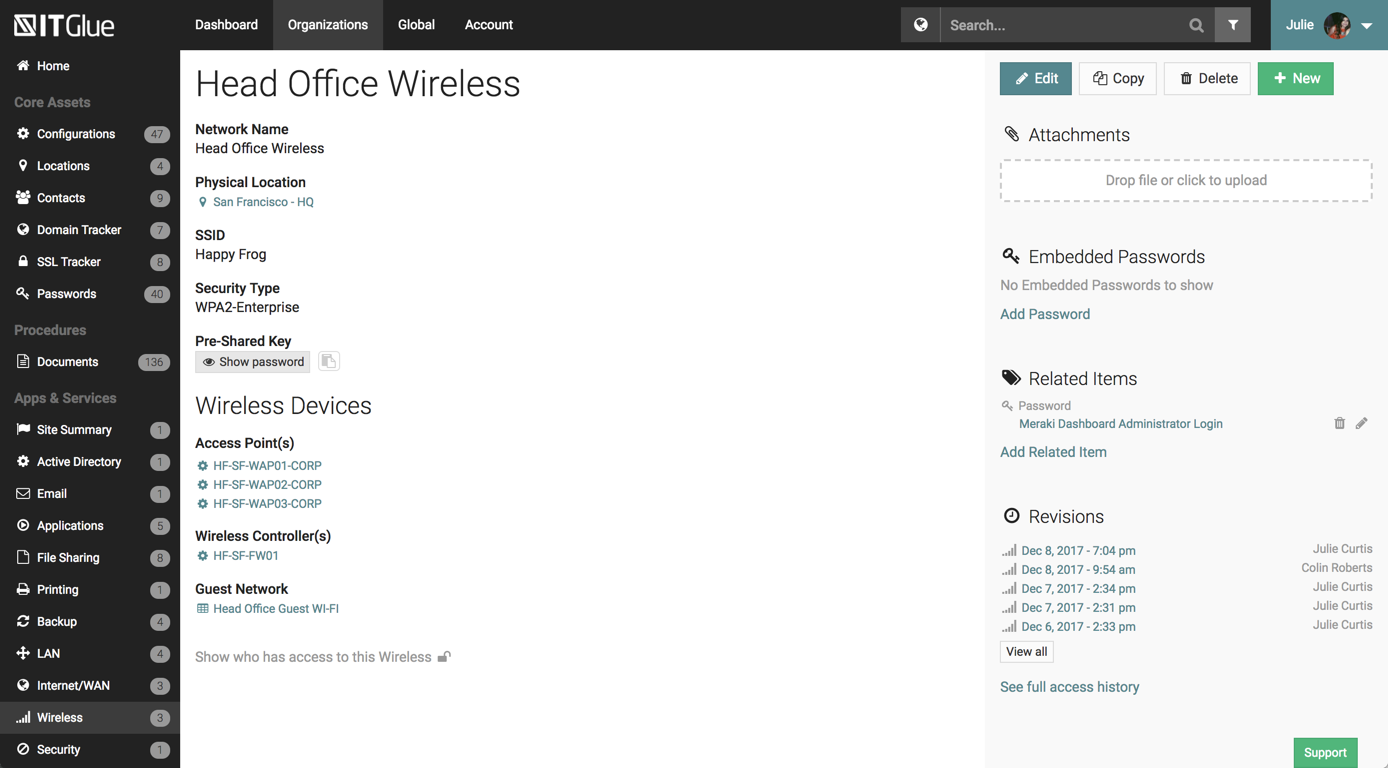
IT Glue is well suited to any size managed service provider that requires a secure central knowledge base. IT Glue also integrates well with N-Central to automatically populate the configurations tab with all the relevant Workstation, Printer, and Server information making client on-boarding a breeze.
Flexible Assets are custom questions or forms that you get to create to keep the kind of documentation that *you* want. Our team has done this, and have developed a comprehensive system in our documentation that is better than anything we've ever had.
Tagging. This feature is so helpful when interlinking related items in the documentation system. IT Glue makes it so easy to tag other configurations, including printers, firewalls, phones, etc.
Public sharing of knowledge base articles. Often our clients need to know how to do something. We can add pictures, step-by-step walkthroughs that save us and them a ton of time.
iFrame embedding. There's some flexibility to the web pages that have been helpful for putting other things, such as Cognito Forms in.
So far we have enjoyed the functionality of ITG with one exception:
The search feature is severely lacking. We have thousands of articles in this knowledge base but the search window is about 1" wide and only shows the first few words of each article. Within our system, those first few words are often the same "SYSTEMS: How-To...". If we are searching for a system, we will have no alternative but to manually try to find this document by browsing through folders within ITG.
Unfortunately ITG has not responded to a flurry of enhancement requests around this feature, that go back quite a while.
The functionality that would make this a killer app for us would be a dedicated search page that displayed results like a Google search page.
Ability to export all client documentation if the client moves to another provider.
Adobe Acrobat works seamlessly with the other Adobe products we use that are industry-standard. We will certainly continue to use Adobe InDesign, Photoshop, and Illustrator, meaning it will always be convenient to work seamlessly with Adobe Acrobat for our organization. We are happy with the performance of Acrobat and it's meets our expectations.
Overall IT Glue meets every need that we need it to. IT is easy to use and convenient and we have not had very many issues with it since the inception. I would easily recommend it to anyone who needs this software.
The features on the desktop version are all toolbar based, which makes it a little more cumbersome on a smaller device (and much simpler on a large screen). The web forms adjust well to different screen size so work well on mobile, tablet and computer
The interface is excellent and very easy to use. As long as the text you input into the system can be easily read, you will have no problem finding it with all the different categories offered. Sometimes, the slider on the right can blend in with dark backgrounds, making it hard to see.
We have not had availability issues with Adobe Acrobat, or at least none that I am personally aware of. Some may encounter crashes of the software during outages of electricity in their city or neighborhood, which no one can plan for, but with generators in our organization, we have been lucky not to have outages
One of the best features of Adobe Acrobat is its speed and stability. When dealing with massive multi-page files, having to reload a crashed program over and over again would slow down progress unnecessarily. And expanding on that, having the table of contents generated allows me to skip to different pages with ease, a necessary feature with exceptionally long files. word searches are even more helpful with text recognition.
Other than a few access outages, ITGlue is always up and available to us. Their ability to export Playbook, that contain our customers data, and securely send those over to them is amazing and are produced pretty fast. We have IT Glue linked with several other services and software and we have not found that it slows anything down.
For a while, Acrobat DC crashed pretty frequently. I contacted Adobe Acrobat support about the problem. At first support was unable to provide a solution. After about a month Adobe's software engineers provided a fix. I just wish it had taken less than a month to solve the problem.
No problems with support when needed it. Their answers on how to handle DR/BC situations when ITG is down are not stellar. They don't seem to get the business risks of their suggestions to just give the xls backup to engineers (aka give all passwords of ALL clients to engineers in an unencrypted flat-file where it is easy to copy, print, etc.)
I was not involved with the implementation process, so I cannot answer this question. However, when it was installed on my computer system, they did so virtually. I just sat there while they took control of my computer over the network and watch them install it, lickety split
In my opinion, both complement each other. Microsoft clearly has with Copilot the AI Edge. However, the visual dynamics of Adobe Creative are Outstanding and provide a balanced approach to creativity, utilizing both Excellent, user-friendly Tools.
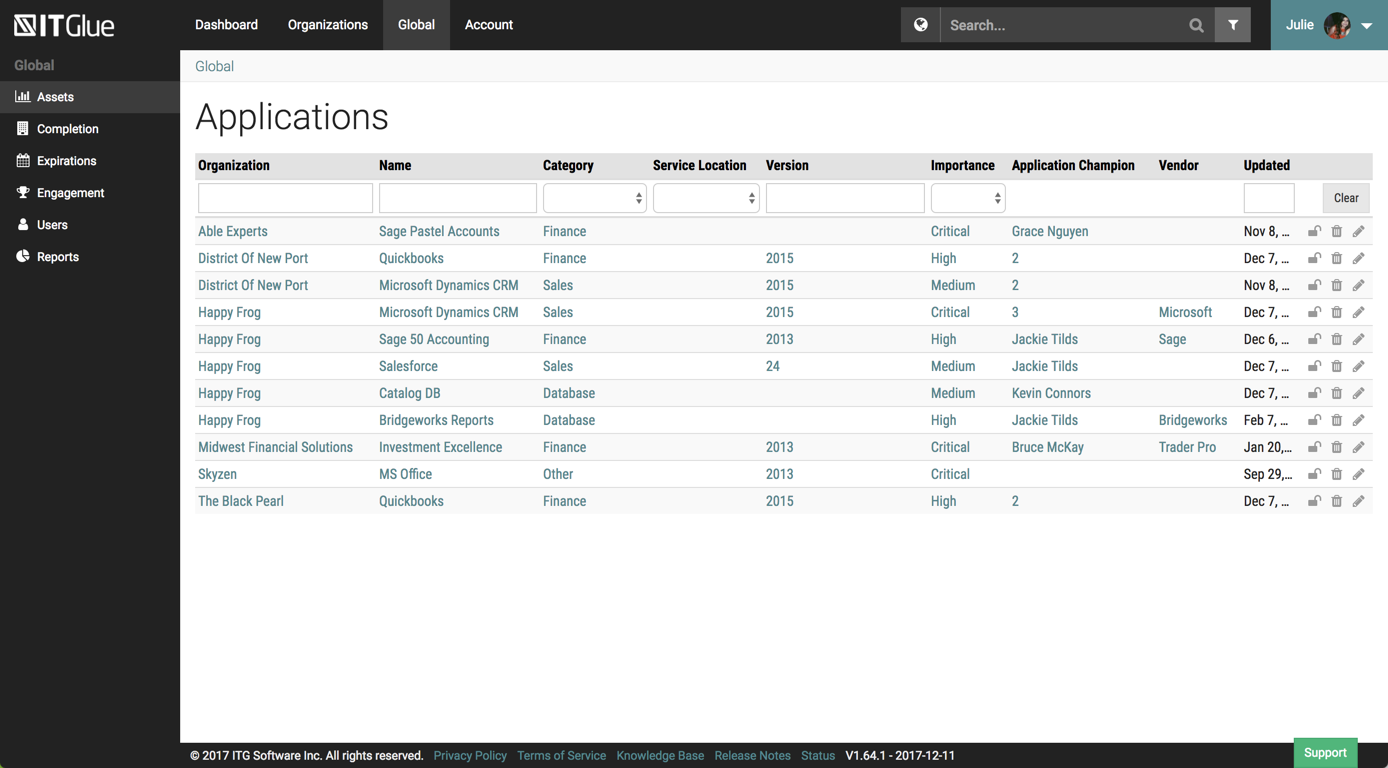
Currently, we are evaluating using Sharepoint instead of IT Glue as documents and items are searchable within the document instead of by title. We feel that by only searching by title and the type it hinders the speed at which information can be found easily.
I find that many users aren't aware of many features of the software they use, nor may they be comfortable with learning multiple-step processes. For the simplest of PDF purposes (scanning, downloading, exporting), it gets a thumbs-up. For anything involving electronic signatures, meh--causes eyes to glaze over, or forgetting what all is involved.
We've had a number of false starts on getting all of our clients' assets documented. The culture shift just has not happened yet and there is a general lack of trust in the data.
It's nice to not have to go hunting for information about client assets anymore. We can be much more productive this way.