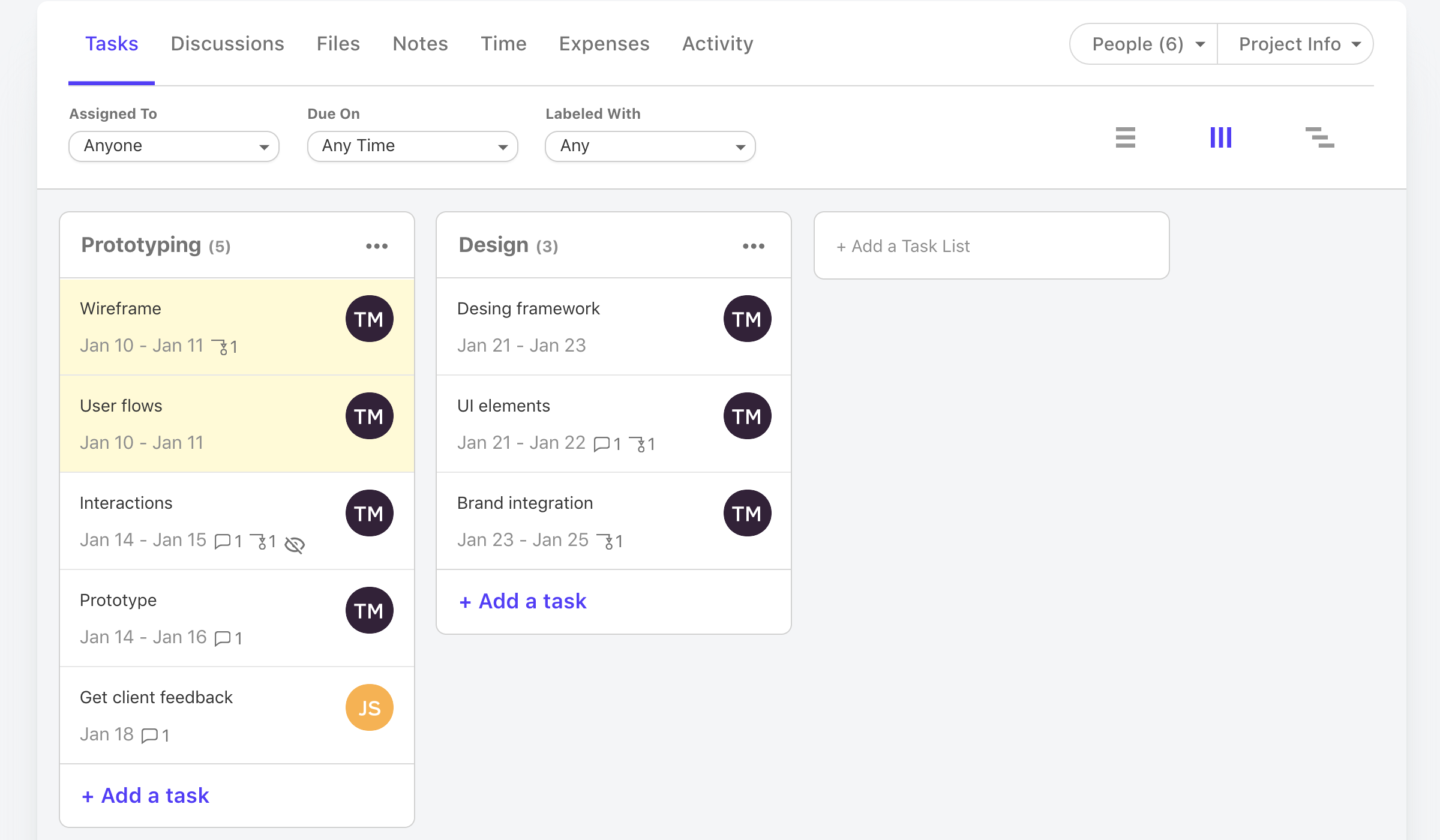
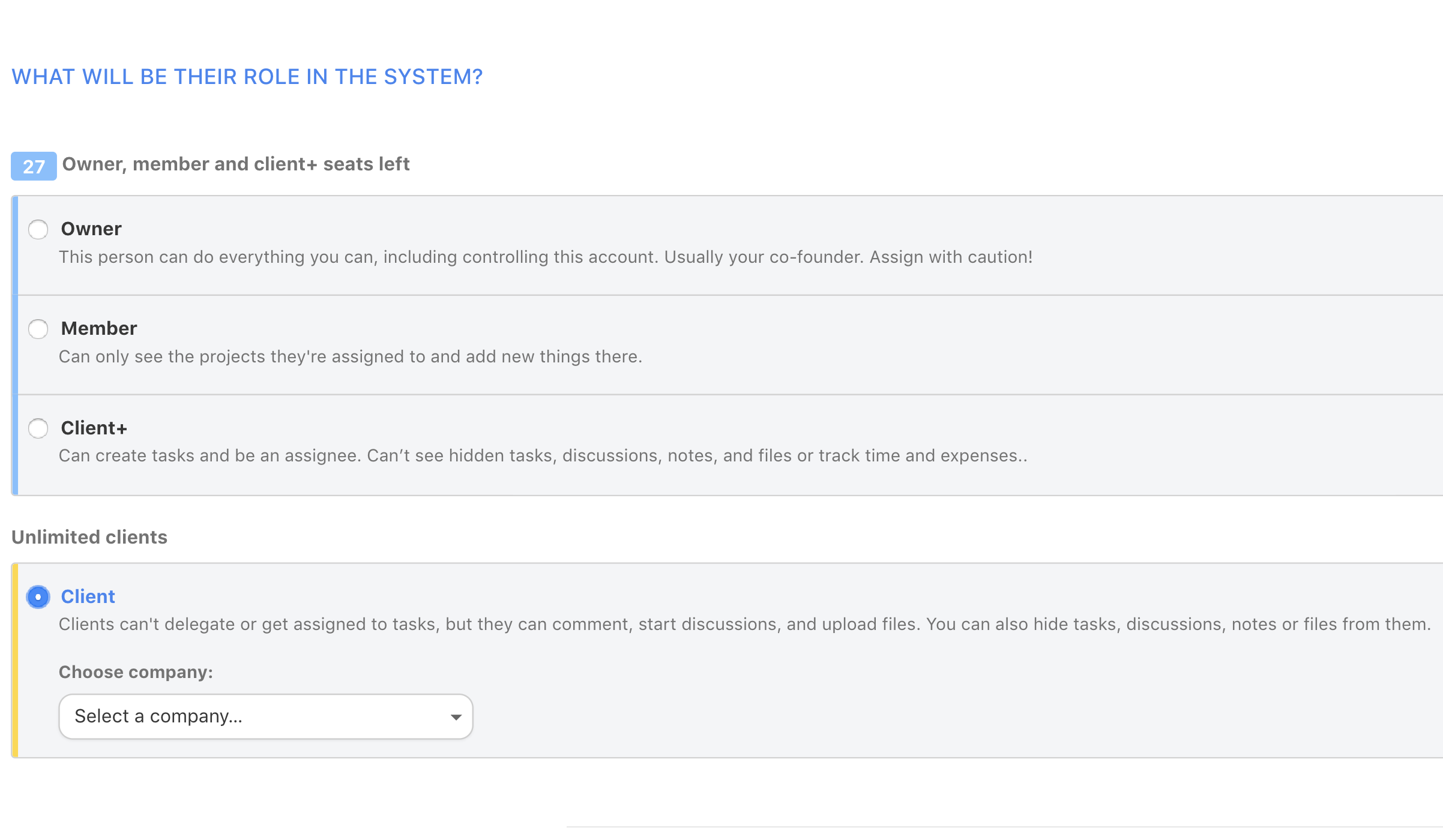
Active Collab is a project management solution built around features such as task management, collaboration, time tracking, and invoicing.
$8
per member/per month
Zoho Invoice
Score 8.8 out of 10
N/A
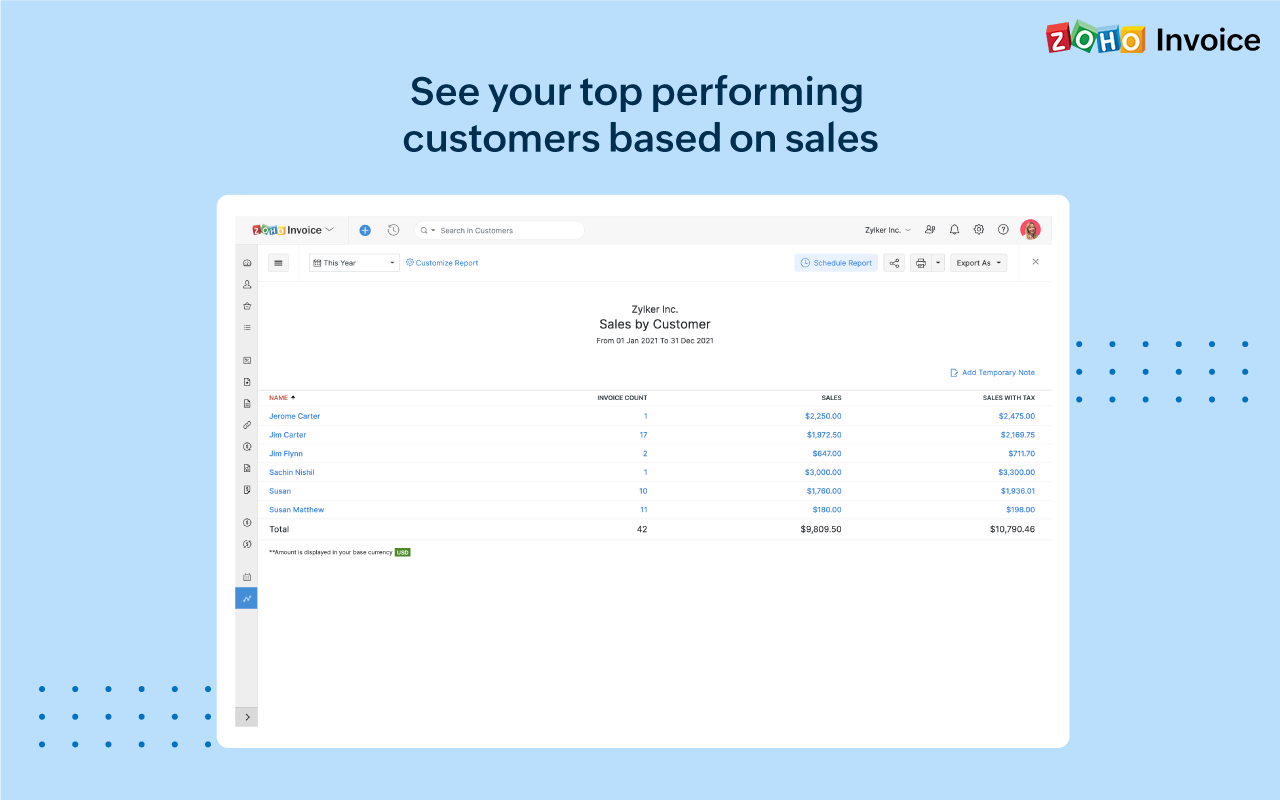
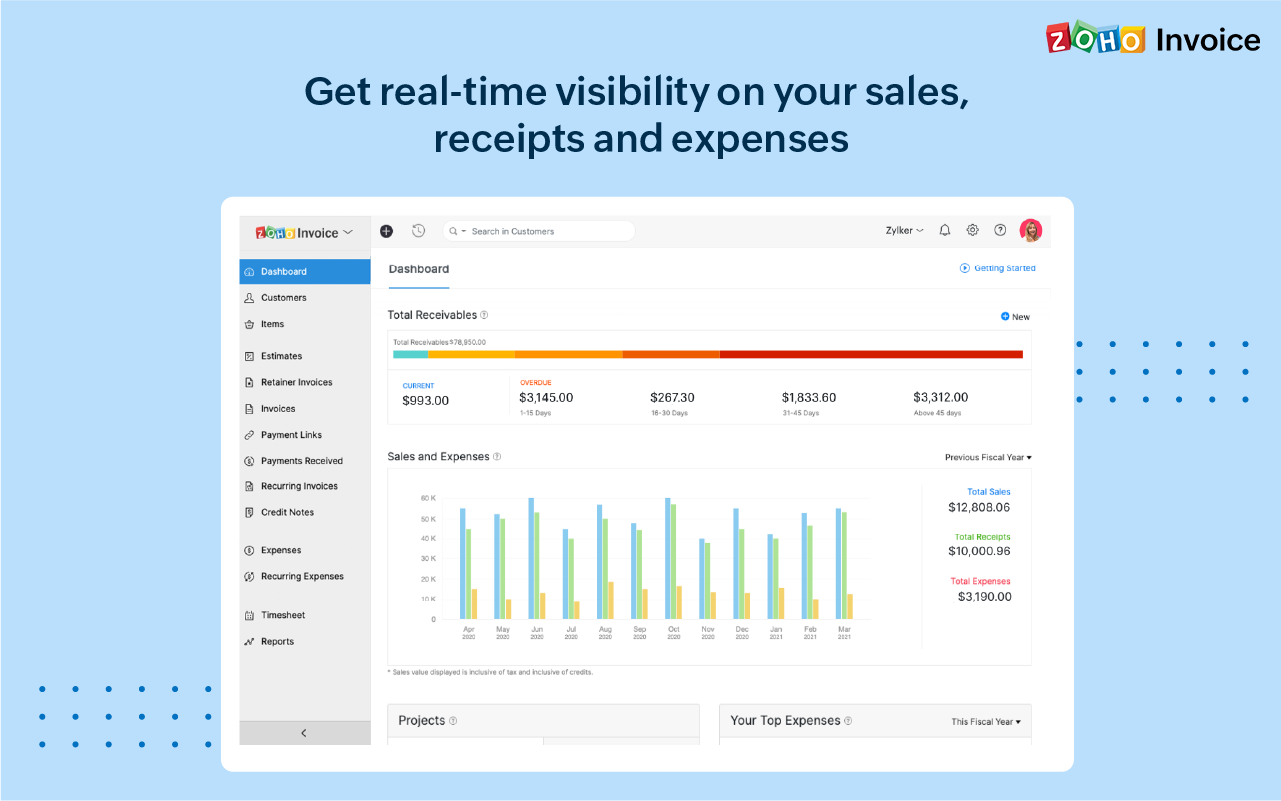
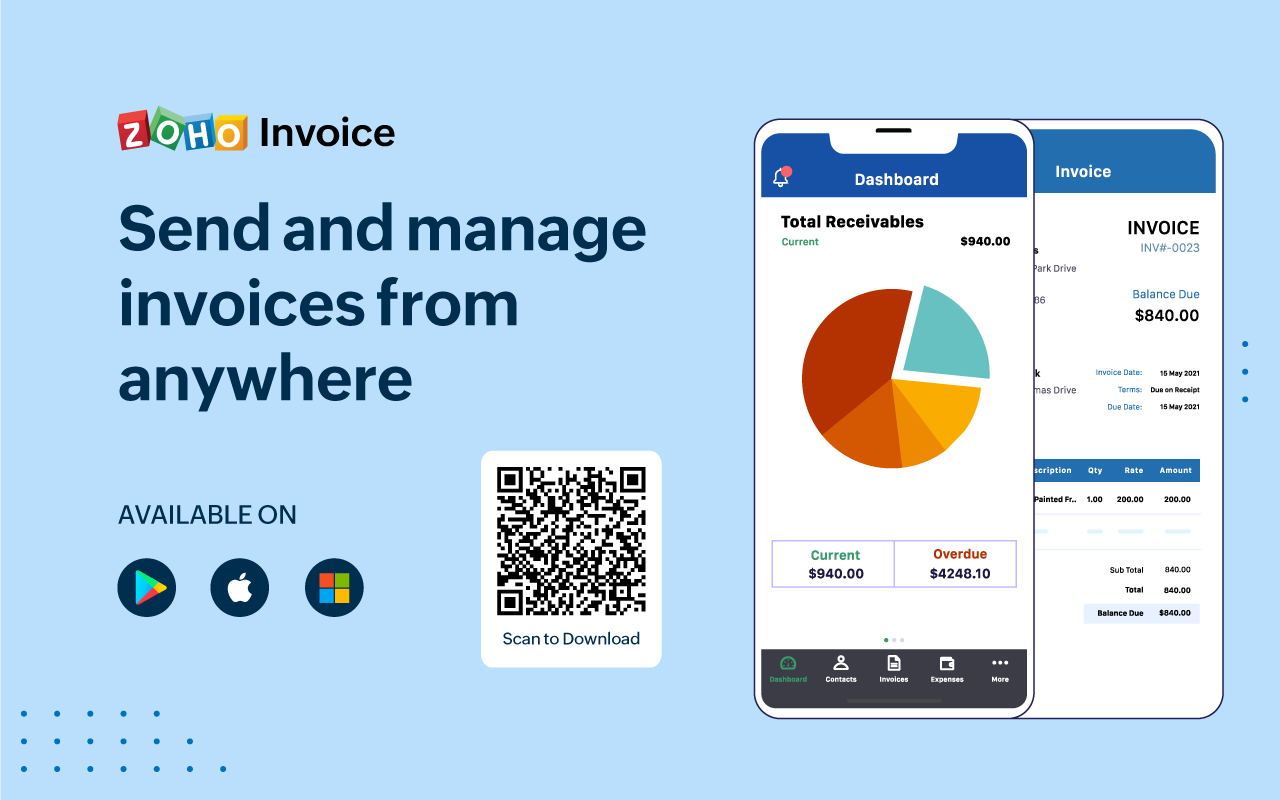
Zoho Invoice is a cloud-based invoicing solution designed to help small businesses with invoicing, tracking expenses, and accepting online payments. Key features include project billing, time tracking, reporting, customizable templates, and a client portaI. Teams using Zoho Invoice can track estimates, convert them to invoices, and send reminders to clients to complete their outstanding payments. Additionally, users can create tasks, collect advance payments for projects, and keep…
$0
Per Organisation, Per Month
Pricing
ActiveCollab
Zoho Invoice
Editions & Modules
ActiveCollab Project Management
$8
per member/per month
Self-Hosted Plan
$999.00
license
Free
$0
Per Organisation, Per Month
Offerings
Pricing Offerings
ActiveCollab
Zoho Invoice
Free Trial
Yes
No
Free/Freemium Version
Yes
Yes
Premium Consulting/Integration Services
No
No
Entry-level Setup Fee
$6.25 per member, per month, annual billing
Required
Additional Details
—
Zoho Invoice is a completely free product. It has no contracts, no ads, and no hidden fees
More Pricing Information
Community Pulse
ActiveCollab
Zoho Invoice
Features
ActiveCollab
Zoho Invoice
Project Management
Comparison of Project Management features of Product A and Product B
ActiveCollab
3.6
Ratings
72% below category average
Zoho Invoice
-
Ratings
Task Management
5.10 Ratings
00 Ratings
Resource Management
1.00 Ratings
00 Ratings
Gantt Charts
3.00 Ratings
00 Ratings
Scheduling
1.00 Ratings
00 Ratings
Workflow Automation
7.00 Ratings
00 Ratings
Team Collaboration
6.10 Ratings
00 Ratings
Support for Agile Methodology
7.00 Ratings
00 Ratings
Support for Waterfall Methodology
7.00 Ratings
00 Ratings
Document Management
3.00 Ratings
00 Ratings
Email integration
4.00 Ratings
00 Ratings
Mobile Access
1.10 Ratings
00 Ratings
Timesheet Tracking
2.00 Ratings
00 Ratings
Change request and Case Management
1.00 Ratings
00 Ratings
Budget and Expense Management
2.00 Ratings
00 Ratings
Professional Services Automation
Comparison of Professional Services Automation features of Product A and Product B
Active Collab is great for small teams who want a web-based project management platform to help them on their day-to-day workflow tasks, billing, estimations, vendor assignments and even client communications. It is also great for agencies with users who are sometimes remotely working. Active Collab starts to show shortcomings when you have an immense amount of projects in the system (1000+), and, being a web-based platform, can sometimes experience downtime.
Zoho Invoice is well suited for any business, regardless of size, that needs to have a way to create invoices with hourly or flat rates. It's easy to create and archive projects. It also integrates into their other tools, including Zoho Projects. Zoho is great for businesses who want to accept online payments.You can use PayPal, Stripe, and a few others. Clients can also pay via ACH. It lets you know when a payment is processing AND when it clears. I believe that it would not be well suited in instances where a company creates lots of credit notes (because from the invoice screen the credit will appear to grow, but when you check active credit notes, it is the right amount) or estimates (I can't figure out how to use this feature)
Time tracking. Zoho invoice makes it super easy to track time and hours against specific clients and specific tasks.
Unbilled / billed time reporting. Zoho Invoice gives a dashboard view of hours yet to be billed, which helps keep on top of invoicing so nothing is missed.
Reporting. Zoho Invoice offers a robust reporting module for the price point. Canned reports can be customized easily.
Invoice sending and tracking. Zoho Invoice makes it easy to create and send invoices. Invoices are easy to clone, which makes creating regular, repeatable invoices a snap.
It isn't possible to set members of staff as part time, so if someone is unavailable on certain days you must manually enter them as OOO every single day that they are not in, that other teammates work. Hours also can't be edited individually - everyone is treated as working the same hours in a day, rendering capacity planner useless for flexi working teams
Subtasks cannot be assigned their own hours and deadlines, meaning the To Do list view can't be seen in actual date order and capacity planner does not reflect all time allocated to an individual's schedule unless every task is set up as a separate task rather than subtask
There is no way to see all tasks of a certain type across multiple campaigns (e.g all copywriting tasks vs all technical tasks) - support team suggested exporting data and making spreadsheets
Kanban view isn't available for people's own task lists ('board' view here shows a list)
Not possible to have one task be assigned to more than one person
Notifications are not sent when tasks are updated, so you have to leave comments and tag people each time
Ease of access of using the dashboard the buttons I mean like if it is taught in 10th I would have worked it. Simple and minimal hi give good entry to be more transparent and sharable to clients in seconds. The client also get shocked by saying it's fast.
The support team is responsive to requests and their annual support fees are reasonable. Honestly, we don't have to contact them much. Updates happen automatically and the platform is very solid and does not require a lot of support. Documentation is good and the platform is easy to learn.
Since we moved from fixed capacity project to T&M we need some tool who support our billing & invoicing. HP ALM did not provide good support for invoicing so we moved out from HP ALM to ActiveCollab. The features like Timer, reminders are not available in other project management tools like JIRA, Rally & ALM making AC the first choice since we have strict SLA's & AC helps in meeting that.
Zoho Invoice streamlines bill creation and sending by personalizing invoices with logos, identities, and terms. It offers detailed payment reports, an integrated payment system, and payment summaries for tracking success. It automates invoicing and payment tasks, saving time and money for companies. Zoho Invoice integrates with Stripe Payments, enhancing settlement processes and promoting digital payment adoption.
A central communication portal is used to keep all members of the team informed as to the status of specific projects. All staff have access to read past discussions to enable contribution to the current discussion.
We have found it difficult to get our clients to adopt usage of ActiveCollab for communication on a reliable basis.
The cost per person is high when using it as a communication center.
The biggest ROI for my business is that Zoho Invoice reduced the cost of invoicing so much, that I was able to invest that savings back into the business development allowing us to grow.
Zoho Invoice provides the option of giving your clients a client portal through which they have access to their own accounts and can see and print their own reports as needed. That helps to create a transparency that our clients love.
Zoho Invoice has been dependable. I have not had one issue with using the platform or its functions since I switched to it a few years ago.