
Acronis Cyber Protect vs. NovaBACKUP
| Product | Rating | Most Used By | Product Summary | Starting Price |
|---|---|---|---|---|
 Acronis Cyber Protect | Score5.9 out of 10 | N/A | Acronis Cyber Protect helps you safeguard your data from various threats while natively integrating your data protection and cybersecurity. | $85 per year |
 NovaBACKUP | Score3 out of 10 | N/A | NovaBACKUP is a backup and restore solution for businesses and service providers backed by decades of in-house data protection and backup expertise to help users simplify and securely back up their critical data. NovaBACKUP offers the following local and cloud backup and recovery software solutions for businesses: NovaBACKUP PC Agent with 1,000 GB of Cloud Storage for PCs NovaBACKUP Server Agent starts with 250 GB of Cloud Storage for… | $149.95 per year |
| Acronis Cyber Protect | NovaBACKUP | |||||||||||||||
|---|---|---|---|---|---|---|---|---|---|---|---|---|---|---|---|---|
| Editions & Modules |
|
| ||||||||||||||
| Offerings |
| |||||||||||||||
| Entry-level Setup Fee | No setup fee | Optional | ||||||||||||||
| Additional Details | — | All server backup products include setup assistance plus, one year of NovaCare for local technical phone support, remote recovery assistance, and upgrade protection. | ||||||||||||||
| More Pricing Information | ||||||||||||||||
| Acronis Cyber Protect | NovaBACKUP | ||||||||||||||||||||||||||||||||||||||||||||||
|---|---|---|---|---|---|---|---|---|---|---|---|---|---|---|---|---|---|---|---|---|---|---|---|---|---|---|---|---|---|---|---|---|---|---|---|---|---|---|---|---|---|---|---|---|---|---|---|
| Data Center Backup |
| ||||||||||||||||||||||||||||||||||||||||||||||
| Enterprise Backup |
| ||||||||||||||||||||||||||||||||||||||||||||||
| Acronis Cyber Protect | NovaBACKUP | |
|---|---|---|
| Likelihood to Recommend | 1.7 | 9.0 |
| Likelihood to Renew | 9.1 | - |
| Usability | 3.0 | - |
| Support Rating | 1.0 | - |
| Implementation Rating | 9.1 | - |
| Contract Terms and Pricing Model | 8.0 | - |
| Product Scalability | 8.5 | - |
| Acronis Cyber Protect | NovaBACKUP | |
|---|---|---|
| Likelihood to Recommend | No answers on this topic |
|
| Pros |
|
|
| Cons | No answers on this topic |
|
| Likelihood to Renew |
| No answers on this topic |
| Usability |
| No answers on this topic |
| Support Rating | No answers on this topic | No answers on this topic |
| Implementation Rating |
| No answers on this topic |
| Alternatives Considered | No answers on this topic |
|
| Contract Terms and Pricing Model |
| No answers on this topic |
| Scalability | No answers on this topic | No answers on this topic |
| Return on Investment | No answers on this topic |
|
| ScreenShots | NovaBACKUP Screenshots   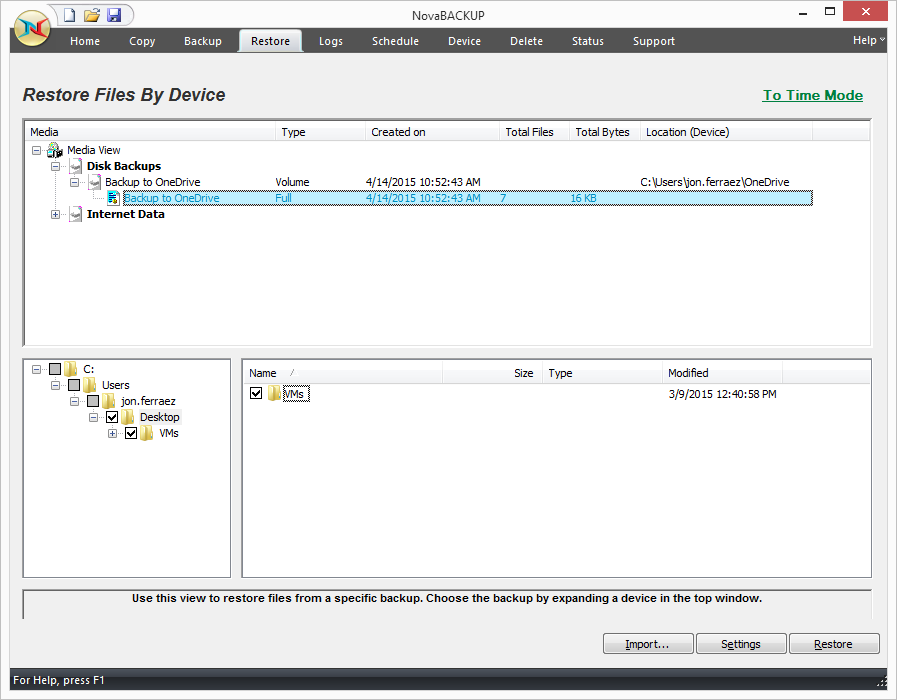  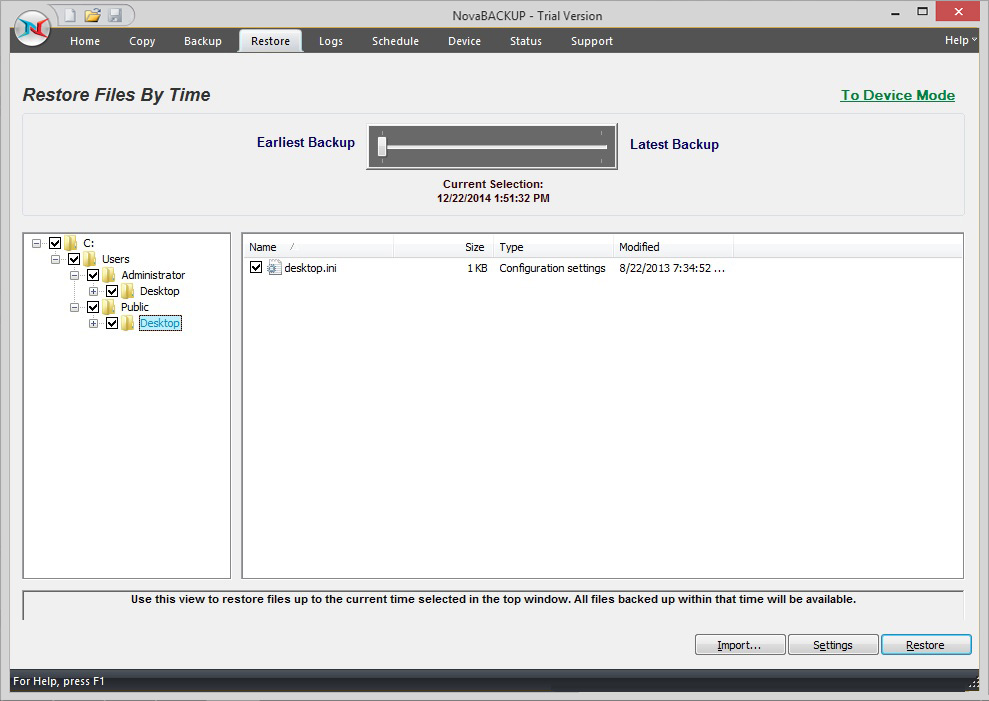 |



