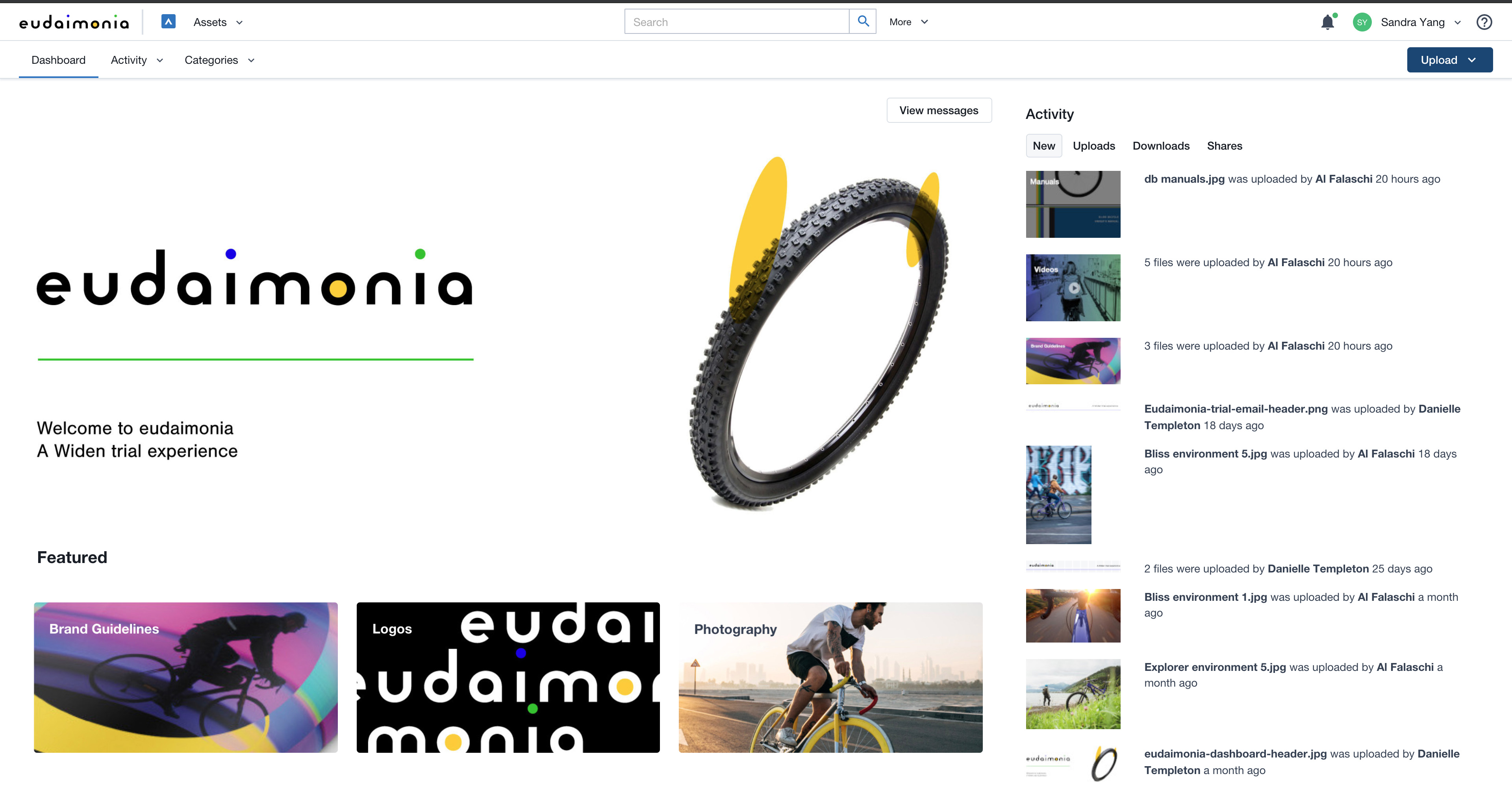
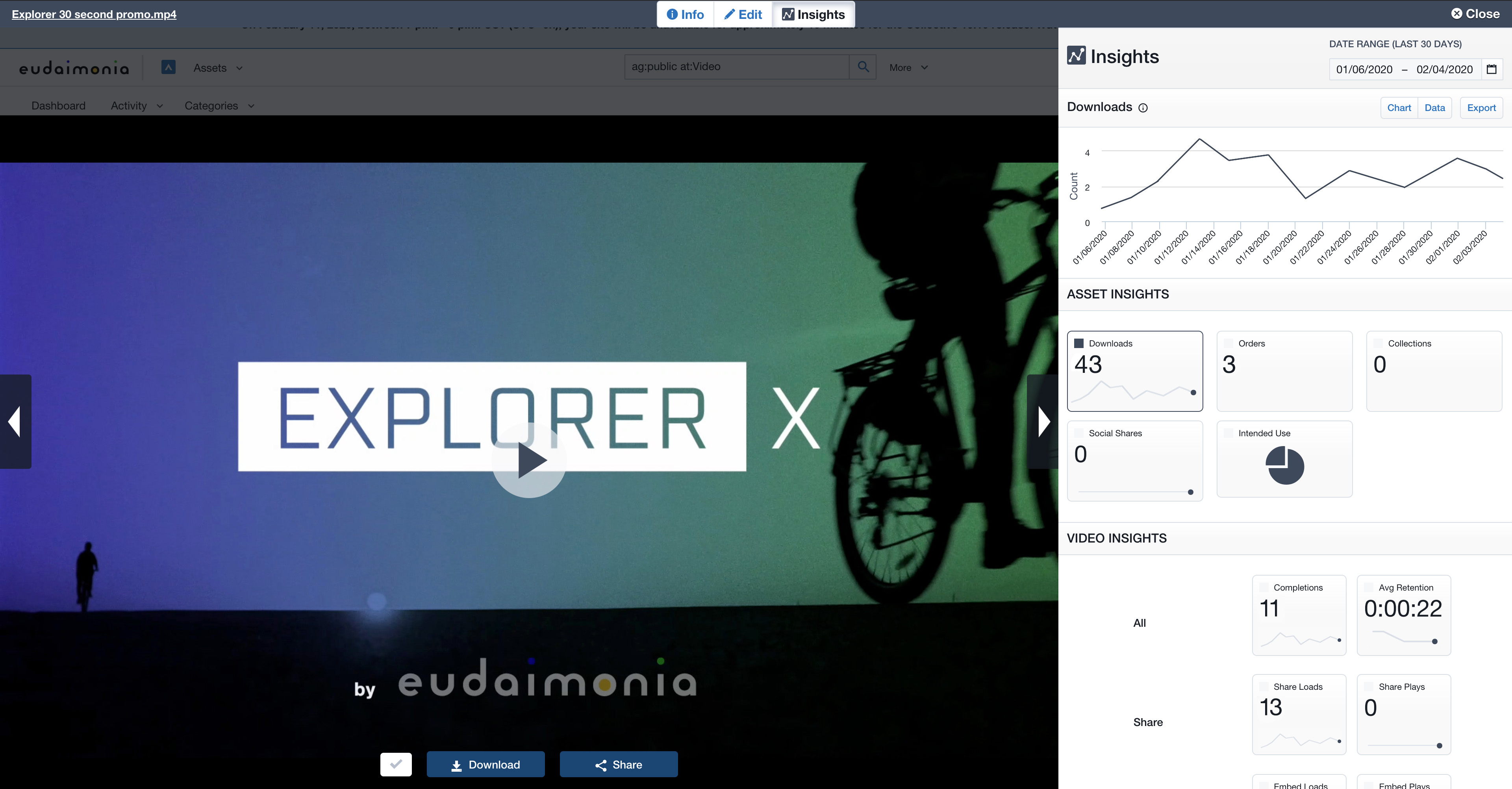
Acquia DAM (Widen) helps brands manage and distribute assets across teams, tools, and channels. A configurable metadata schema provides business-specific search and workflow capabilities. Plus, AI-powered auto tagging makes assets instantly findable. Content can be synced across systems using the API or pre-built integrations with over 50 tools, from creative suites to project management. Product-based companies can use Acquia DAM to build a unique 360º view of their product content. It…
N/A
Adobe Bridge
Score9 out of 10
N/A
Adobe Bridge is a creative digital asset manager that lets you preview, organize, edit, and publish multiple creative assets (including Adobe Photoshop, InDesign, Illustrator, After Effects, and Dimension files) with thumbnails and rich previews.
Edit metadata. Add keywords, labels, and ratings to assets. Organize assets using collections, and find assets using powerful filters and advanced metadata search features. Collaborate with Libraries and publish to Adobe Stock from Bridge.
N/A
Pricing
Acquia DAM (Widen)
Adobe Bridge
Editions & Modules
No answers on this topic
No answers on this topic
Offerings
Pricing Offerings
Acquia DAM (Widen)
Adobe Bridge
Free Trial
Yes
No
Free/Freemium Version
No
No
Premium Consulting/Integration Services
Yes
No
Entry-level Setup Fee
Required
No setup fee
Additional Details
Guided or full-service implementation options and annual subscriptions based on capabilities required. Workgroup and unlimited user options available. Storage with Amazon Web Services.
Professional services available for strategy consulting, change management, administration services, design services, and managed integrations.
—
More Pricing Information
Community Pulse
Acquia DAM (Widen)
Adobe Bridge
Considered Both Products
Acquia
Verified User
Chose Acquia DAM (Widen)
Acquia DAM (Widen) is leagues above Adobe Bridge. We love how it isn't a strict folder structure that can be moved around by any of its users. Since using Acquia DAM (Widen) we've been able to organize more concisely and files don't end up getting lost. It's also just a …
A de minimis incentive was given to thank the reviewer for their time. The incentive was not used to bias or drive a particular response, nor was the incentive contingent on a positive endorsement. More Info
Verified User
Chose Acquia DAM (Widen)
I prefer portfolio. It enabled the user to use a folder system.
A de minimis incentive was given to thank the reviewer for their time. The incentive was not used to bias or drive a particular response, nor was the incentive contingent on a positive endorsement. More Info
A de minimis incentive was given to thank the reviewer for their time. The incentive was not used to bias or drive a particular response, nor was the incentive contingent on a positive endorsement. More Info
Verified User
Chose Acquia DAM (Widen)
Google Drive offers nowhere near the functionality that Acquia DAM (Widen) does (this is obviously like comparing apples to oranges because GD is ultimately a storage solution).
A de minimis incentive was given to thank the reviewer for their time. The incentive was not used to bias or drive a particular response, nor was the incentive contingent on a positive endorsement. More Info
Verified User
Chose Acquia DAM (Widen)
We used an earlier version of OpenText's DAM prior to 2015, so I cannot compare Acquia DAM (Widen) to current OpenText products. OpenText at that time was based on online folders. When we went to Telescope, which was based on the tagging applied to each individual asset, …
A de minimis incentive was given to thank the reviewer for their time. The incentive was not used to bias or drive a particular response, nor was the incentive contingent on a positive endorsement. More Info
Verified User
Chose Acquia DAM (Widen)
I inherited this system when I joined my company but I would like to do some comparison shopping.
A de minimis incentive was given to thank the reviewer for their time. The incentive was not used to bias or drive a particular response, nor was the incentive contingent on a positive endorsement. More Info
A de minimis incentive was given to thank the reviewer for their time. The incentive was not used to bias or drive a particular response, nor was the incentive contingent on a positive endorsement. More Info
Verified User
Chose Acquia DAM (Widen)
It is easier to download an entire folder of files instead of just one at a time. It is easier to comment on files for approvals and edits on Dropbox as well.
A de minimis incentive was given to thank the reviewer for their time. The incentive was not used to bias or drive a particular response, nor was the incentive contingent on a positive endorsement. More Info
Widen is a great digital asset manager internally. I loved the framework that the platform has. However, we created a main portal to share with our external partners so we could control what was private and what was public. The portal framework was not as user-friendly and we tried too much to make it like a website when it was meant to be a DAM. The main reason we switched providers is that we wanted to have the option to have a consistent framework internally and externally that was more user-friendly with better search capabilities.
A de minimis incentive was given to thank the reviewer for their time. The incentive was not used to bias or drive a particular response, nor was the incentive contingent on a positive endorsement. TR verified that a representative sample of customers was invited. More Info
If you're working with tons of files and different types of files and you have to keep them sorted out and be able to tell the differences within the files...this is the best option for you. It will make your life so much easier being able to preview everything quickly while seeing the small details. I do know that some photographers are really happy with how Lightroom catalogs their images, but I think for anyone doing major compositing or video work, Bridge is hands down the way to go. It just saves you so much time and headaches.
A de minimis incentive was given to thank the reviewer for their time. The incentive was not used to bias or drive a particular response, nor was the incentive contingent on a positive endorsement. More Info
They offer valuable guidance and educational resources to Administrators
Their I.T. support is knowledgeable and responsive. And friendly!
They build community among Acquia DAM (Widen) Admins
They aren't as salesy and pushy as many of the other DAM Vendors that we considered. I don't feel like they are constantly trying to upsell me or take advantage. I hope this continues to be the case with the acquisition by Acquia.
A de minimis incentive was given to thank the reviewer for their time. The incentive was not used to bias or drive a particular response, nor was the incentive contingent on a positive endorsement. TR verified that a representative sample of customers was invited. More Info
A de minimis incentive was given to thank the reviewer for their time. The incentive was not used to bias or drive a particular response, nor was the incentive contingent on a positive endorsement. More Info
Improvements in the cropping and editing features within Acquia DAM are essential to ease the workload for our graphic designers. The current functionality falls short in providing the necessary tools and precision required for efficient asset manipulation, not helping with that time management at all.
Enhancing the onboarding experience, we propose creating more video tutorials for Acquia DAM. These visual guides, covering topics from account setup to collaboration features, offer dynamic, step-by-step learning.
To improve the onboarding experience, we recommend expanding introductory tools and templates in Acquia DAM. Introducing more user-friendly features and providing a variety of templates will empower new users to navigate the platform with ease, fostering quicker proficiency and enhancing overall usability.
A de minimis incentive was given to thank the reviewer for their time. The incentive was not used to bias or drive a particular response, nor was the incentive contingent on a positive endorsement. More Info
A de minimis incentive was given to thank the reviewer for their time. The incentive was not used to bias or drive a particular response, nor was the incentive contingent on a positive endorsement. More Info
Acquia DAM (Widen) is changing its pricing model and at this point, we are unsure whether it is a good thing for us or not. While we consider this a robust tool, we will take our time to evaluate the competitors.
A de minimis incentive was given to thank the reviewer for their time. The incentive was not used to bias or drive a particular response, nor was the incentive contingent on a positive endorsement. More Info
We used to have to respond to any email questions from our library users about how to find assets. With Acquia DAM (Widen), the system is similar to online shopping, workable with keywords for those who like to search that way, or with filters for those who like to browse.
A de minimis incentive was given to thank the reviewer for their time. The incentive was not used to bias or drive a particular response, nor was the incentive contingent on a positive endorsement. More Info
Adobe Bridge is useful as a jumping off point for file organization within the CC environment. It is a little slow and clunky at times but is useful for preliminary photography selection development including contact sheets, file renaming, and the overall selection process.
A de minimis incentive was given to thank the reviewer for their time. The incentive was not used to bias or drive a particular response, nor was the incentive contingent on a positive endorsement. More Info
A de minimis incentive was given to thank the reviewer for their time. The incentive was not used to bias or drive a particular response, nor was the incentive contingent on a positive endorsement. More Info
There have been a couple of rare instance where after I uploaded an asset, I was unable to rename it, or after uploading it it took a while before it actually appeared and can be viewed in the DAM.
A de minimis incentive was given to thank the reviewer for their time. The incentive was not used to bias or drive a particular response, nor was the incentive contingent on a positive endorsement. More Info
It's very seldom that I have to reach out for support, but when I have, there are quick solutions and follow-ups to make sure the system is working how it should be. My customer support team is also great at reaching out on a regular basis to keep me up to speed on emerging features I may be able to leverage to improve my experience.
A de minimis incentive was given to thank the reviewer for their time. The incentive was not used to bias or drive a particular response, nor was the incentive contingent on a positive endorsement. More Info
The training was very thorough. The recordings for all our traning sessions were provided to us so that we could go back and review. Our trainer was always available for follow up questions. Our trainer shared a spreadsheet with us as a checklist for all things that needed to be done to ensure proper import and setup of our assets and DAM.
A de minimis incentive was given to thank the reviewer for their time. The incentive was not used to bias or drive a particular response, nor was the incentive contingent on a positive endorsement. More Info
It was a lot of work! But worth the effort to get our assets cleaned up and organized. Enough time and personnel need to be allotted for any implementation, but we had some advantage in having our assets in a previous DAM with attached metadata in XML, and our users were prepared with knowledge of our existing DAM at that time. Though old habits present their own issues, a company that is starting from scratch with no DAM has to think farther ahead about how it will organize and collect assets. Far more pre-planning with stakeholders would be needed for a company starting an implementation from scratch.
A de minimis incentive was given to thank the reviewer for their time. The incentive was not used to bias or drive a particular response, nor was the incentive contingent on a positive endorsement. More Info
We decided to stick with Acquia DAM (Widen) in the short term but will be reviewing the options this or next year to better integrate with Social, Web, and Creative team needs. We use Sitecore for all our web services, so it needs to be compatible with that, Social also needs to integrate but is not fixed on a single system, but Canva would be a good fit. The creative team always prefers local storage to link to rather than the cloud due to speeds.
A de minimis incentive was given to thank the reviewer for their time. The incentive was not used to bias or drive a particular response, nor was the incentive contingent on a positive endorsement. More Info
Okay so I've actually tried to use Lightroom. Photoshop is its own beast and doesn't have the catalog that Bridge of Lightroom has. Lightroom is not as powerful with being able to check between images, finding files, etc. I wanted to love it, but Bridge won hands down with all the time it has saved me so I can get back to my children instead of complaining that it takes me so much time to narrow down images
A de minimis incentive was given to thank the reviewer for their time. The incentive was not used to bias or drive a particular response, nor was the incentive contingent on a positive endorsement. More Info
A de minimis incentive was given to thank the reviewer for their time. The incentive was not used to bias or drive a particular response, nor was the incentive contingent on a positive endorsement. More Info
The Acquia DAM (Widen) helped our company transition more quickly to remote work, giving users access to files much faster than the company servers could.
The Acquia DAM (Widen) has given non-web devs the ability to quickly build clean web pages that share out marketing resources and information.
A de minimis incentive was given to thank the reviewer for their time. The incentive was not used to bias or drive a particular response, nor was the incentive contingent on a positive endorsement. More Info
A de minimis incentive was given to thank the reviewer for their time. The incentive was not used to bias or drive a particular response, nor was the incentive contingent on a positive endorsement. More Info