
Able2Extract Professional vs. Adobe Acrobat Reader
Able2Extract Professional vs. Adobe Acrobat Reader
| Product | Rating | Most Used By | Product Summary | Starting Price |
|---|---|---|---|---|
 Able2Extract Professional | N/A | Able2Extract Professional, is a PDF converter, editor, and creator - a PDF suite that aims to cut down on time spent dealing with PDFs and increase PDF productivity in the office. Able2Extract lets users convert scanned (multi-language OCR included) and native PDFs to more than 10 formats, such as MS Word, Excel, PowerPoint, Publisher, Text, AutoCAD, HTML, CSV, and image formats. It also comes with batch PDF conversion and creation that let users manage multiple PDFs in seconds.… | N/A | |
 Adobe Acrobat Reader | N/A | Acrobat Reader is a PDF viewer and converter, available as a free download from Adobe. Users can view, sign, collaborate on and annotate PDF files, or edit and convert PDFs into file formats like Excel and Word. | N/A |
| Able2Extract Professional | Adobe Acrobat Reader | |||||||||||||||
|---|---|---|---|---|---|---|---|---|---|---|---|---|---|---|---|---|
| Editions & Modules | No answers on this topic | No answers on this topic | ||||||||||||||
| Offerings |
| |||||||||||||||
| Entry-level Setup Fee | No setup fee | No setup fee | ||||||||||||||
| Additional Details | Lifetime license: $149.95 / 30-Day License: $34.95 / Volume licensing available: Contact us | — | ||||||||||||||
| More Pricing Information | ||||||||||||||||
| Able2Extract Professional | Adobe Acrobat Reader |
|---|
| Able2Extract Professional | Adobe Acrobat Reader | |
|---|---|---|
| Small Businesses |  Tungsten Power PDF Score 9.4 out of 10 | Tungsten Power PDF Score 9.4 out of 10 |
| Medium-sized Companies |  pdfFiller Score 9.0 out of 10 | pdfFiller Score 9.0 out of 10 |
| Enterprises |  Bluebeam Score 9.1 out of 10 | Bluebeam Score 9.1 out of 10 |
| All Alternatives | View all alternatives | View all alternatives |
| Able2Extract Professional | Adobe Acrobat Reader | |
|---|---|---|
| Likelihood to Recommend | 10.0 (0 ratings) | 9.2 (0 ratings) |
| Likelihood to Renew | - (0 ratings) | 7.2 (0 ratings) |
| Usability | - (0 ratings) | 9.0 (0 ratings) |
| Implementation Rating | - (0 ratings) | 10.0 (0 ratings) |
| Able2Extract Professional | Adobe Acrobat Reader | |
|---|---|---|
| Likelihood to Recommend | 
 Daniel Epstein Sr. Clinical Quality Analyst |
|
| Pros |
 Pamela Harris Principal Consultant |
|
| Cons |
Daniel Epstein Sr. Clinical Quality Analyst |
|
| Likelihood to Renew | No answers on this topic |
 Dr Gardiner Jones Engineer, IT Operations |
| Usability | No answers on this topic |
 Daniel Berry Copywriter |
| Implementation Rating | No answers on this topic |
|
| Alternatives Considered |
Pamela Harris Principal Consultant |
|
| Return on Investment |
Daniel Epstein Sr. Clinical Quality Analyst |
|
| ScreenShots | Able2Extract Professional Screenshots   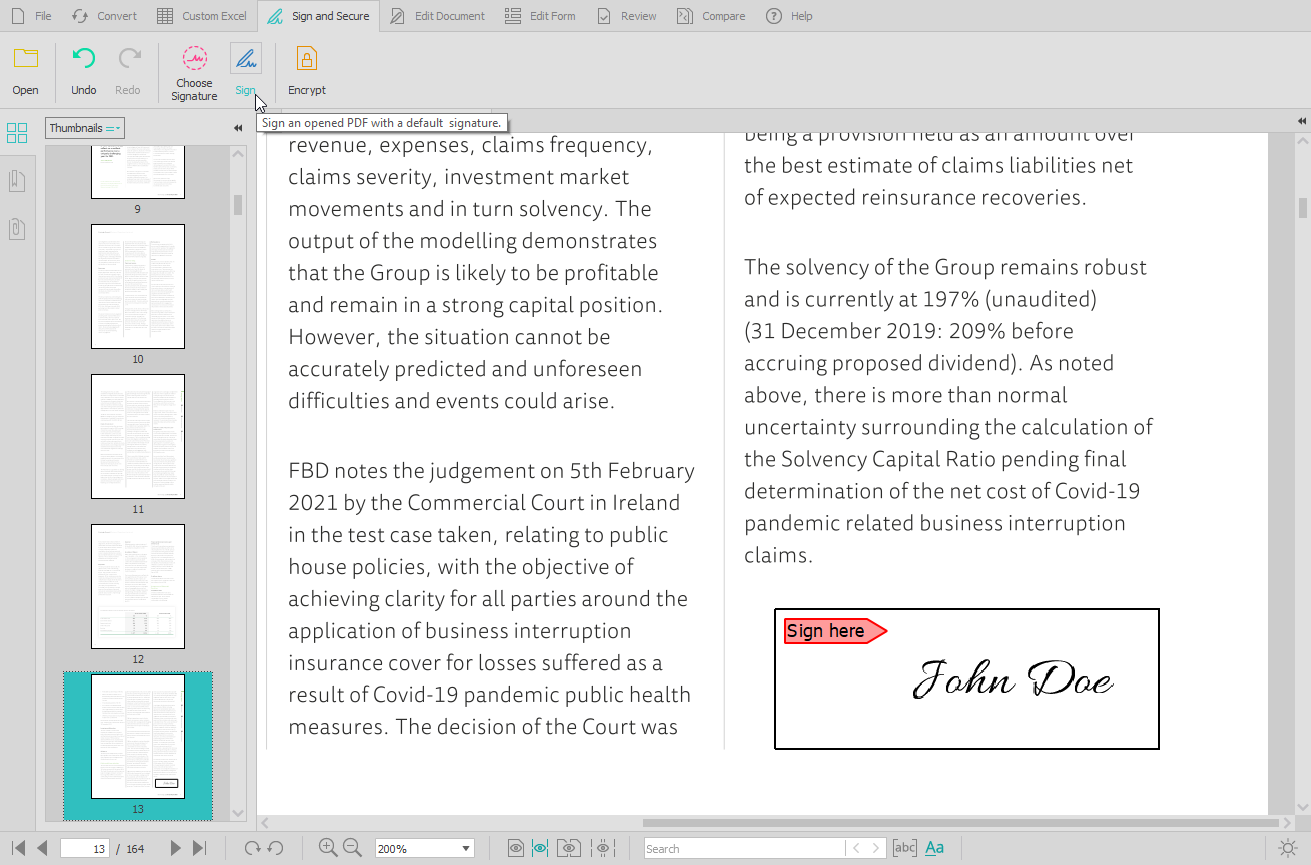  |