TrustRadius: an HG Insights company

ABBYY FineReader vs. Able2Extract Professional

Save this comparison

Save this comparison

Add Product

Recommended Comparisons

    Overview
    ProductRatingMost Used ByProduct SummaryStarting Price

    ABBYY FineReader

    Score9 out of 10
    N/AABBYY FineReader is a PDF editor that allows users to convert, edit, share, and collaborate on PDFs. FineReader also converts scanned documents into searchable PDF files.

    $16

    per month per user

    Able2Extract Professional

    Score8.4 out of 10
    N/AAble2Extract Professional, is a PDF converter, editor, and creator - a PDF suite that aims to cut down on time spent dealing with PDFs and increase PDF productivity in the office. Able2Extract lets users convert scanned (multi-language OCR included) and native PDFs to more than 10 formats, such as MS Word, Excel, PowerPoint, Publisher, Text, AutoCAD, HTML, CSV, and image formats. It also comes with batch PDF conversion and creation that let users manage multiple PDFs in seconds.…

    $34.95

    30-day full version single-user license.

    Pricing
    ABBYY FineReaderAble2Extract Professional
    Editions & Modules
    FineReader PDF Standard for Windows
    $16
    per month per user
    FineReader PDF Corporate for Windows
    $24
    per month per user
    FineReader PDF for Mac®
    $69
    per year per user
    FineReader PDF Standard for Windows
    $99
    per year per user
    FineReader PDF Corporate for Windows
    $165
    per year per user
    No answers on this topic
    Offerings
    Pricing Offerings
    ABBYY FineReaderAble2Extract Professional
    Free Trial
    YesYes
    Free/Freemium Version
    NoNo
    Premium Consulting/Integration Services
    YesNo
    Entry-level Setup FeeNo setup feeNo setup fee
    Additional DetailsLifetime license: $149.95 / 30-Day License: $34.95 / Volume licensing available: Contact us
    More Pricing Information
    Best Alternatives
    ABBYY FineReaderAble2Extract Professional
    Small Businesses
    M‑Files
    Score8.9 out of 10
    Foxit PDF Editor
    Score8.7 out of 10
    Medium-sized Companies
    Esker
    Score10 out of 10
    Adobe Acrobat Reader
    Score8.7 out of 10
    Enterprises
    Tungsten Capture
    Score8 out of 10
    Adobe Acrobat Reader
    Score8.7 out of 10
    All AlternativesView all alternativesView all alternatives
    User Ratings
    ABBYY FineReaderAble2Extract Professional
    Likelihood to Recommend
    10.0
    (3 ratings)
    10.0
    (2 ratings)
    User Testimonials
    ABBYY FineReaderAble2Extract Professional
    Likelihood to Recommend
    ABBYY
    FineReader is critical for any business that handles scanned documents or works with files that need conversion to Excel, PDF, Powerpoint or various other programs. It's ability to automatically process, read documents and suggest tables is impressive. It can take printed documents and convert all of the text to a editable format which is a huge time saver. In regards to tables it can automatically find and identify columns and separate them out for immediate use in Excel
    Incentivized
    Read full review
    Investintech.com Inc.
    Able2Extract is extremely helpful if you have a PDF with text that you want to manipulate. By converting it into another file format that is more conducive to text, you can correct spelling mistakes, copy paragraphs, and remove them or relocate them. Since I had to take spreadsheets and text from a PDF and insert them into a Word document, Able2Extract Professional was the exact tool I needed to avoid simply taking screenshots.
    Incentivized
    Read full review
    Pros
    ABBYY
    • OCR scanning
    • Refining scanned text
    • Sophisticated and flexible OCR settings/adjustments
    • High-quality editing and document comparison tools
    Incentivized
    Read full review
    Investintech.com Inc.
    • Creates editable spreadsheets from Excel documents that have been scanned.
    • Allows certain segments of documents to be selected for editing.
    • Allows bulk conversion.
    Incentivized
    Read full review
    Cons
    ABBYY
    • A versioning system of the work done or the editions that have been saved in the files, or a tracking of changes between one version and another would be fabulous
    • An improvement that would be asked would be as previews or suggestions of the type of file that could be beneficial to use in an edition
    • The redesign of the panels is that of the analyzed document, the edition and the changes in my opinion need a resizing to have a better view of the work
    Incentivized
    Read full review
    Investintech.com Inc.
    • GUI can always improve, even if it's currently good
    • Better how-to instructions to address initial learning curve
    • Functionality could be inserted into Adobe Acrobat Pro, potentially merging products
    Incentivized
    Read full review
    Alternatives Considered
    ABBYY
    While Adobe Reader can identify documents and convert them to some other various formats, it cannot process the documents to identify tables for use in Excel. We only had success by letting Adobe read a file for any identifiable text but it wasn't always accurate. FineReaders ability to handle hundreds of pages at once felt leaps and bounds above Adobe
    Incentivized
    Read full review
    Investintech.com Inc.
    None, except for conversions in Acrobat.
    Incentivized
    Read full review
    Return on Investment
    ABBYY
    • ABBYY FineReader is an irreplaceable tool for preparing documents for document management systems and getting the most of them afterward
    • Great time saver in various scenarios related to work with scans and photos of documents
    Incentivized
    Read full review
    Investintech.com Inc.
    • Able2Extract Professional allows me to compile annual reports without having to seek out creators of supplemental material and ask them to rerun their reports in a different file format
    • Our business objective of maintaining consistent branding is achievable through converting PDFs into file formats where we can alter text and swap out logos
    • Able2Extract Professional has the speed and ease of use we need to meet our reporting deadlines
    Incentivized
    Read full review
    ScreenShots

    ABBYY FineReader Screenshots

    Screenshot of a display of the options: view, edit, and convert PDFs or compare different versions.Screenshot of PDF editing in FineReader, which is almost like a Word document, where users can rewrite text paragraphs, edit the content in tables, or rearrange the layout.Screenshot of the software's collaboration features, with the ablity to comment on, annotate, or mark up documents.Screenshot of PDF to Word document conversion.Screenshot of fillable fields, in a PDFScreenshot of PDF organization options, which include the ability to merge and rearrange pages, or adding Bates numbering and stamps.

    Able2Extract Professional Screenshots

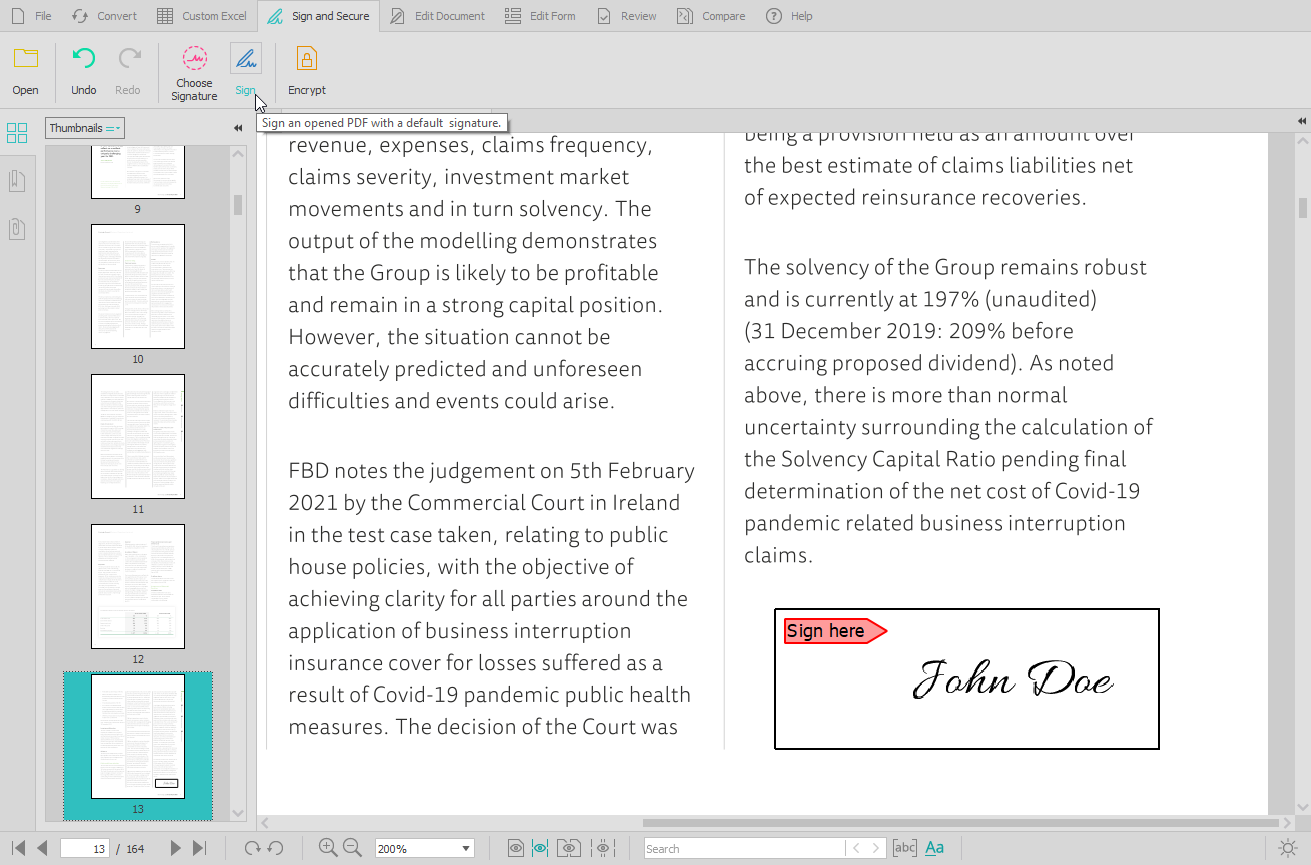
    Screenshot of the PDF conversion interface, that work with most popular formats and lets users extract all images from a PDF document in one click, extract PDF form data, and Batch convert hundreds of PDFs in one go.Screenshot of the Custom PDF to Excel feature, for the conversion of PDF tables to spreadsheet file formats. Users can manually designate columns and rows, preview results before conversion, or manage headers and footers.Screenshot of the PDF editing interface, used to modify or add text and graphics, redact content, merge and split documents, insert, delete, move, rotate, and resize PDF pages.Screenshot of the digital signature feature, secured with cryptographic certificates.Screenshot of the comparison of printable documents, that displays all differences in a handy side-by-side view.