
500mail by 500apps vs. Superhuman
500mail by 500apps vs. Superhuman
| Product | Rating | Most Used By | Product Summary | Starting Price |
|---|---|---|---|---|
 500mail by 500apps | N/A | 500mail is an email software that provides secured, encrypted and ad-free emails service for both individuals and businesses. It is an email software that provides unlimited mailboxes and can create multiple domains using IMAP and POP email authentication protocols. 500mail can be accessed from any device. USP’s of 500mail Unlimited Mailboxes : For the price of one, create an unlimited number of single or group mailboxes for many domains. Access 500Mail from any device:… | N/A | |
 Superhuman | N/A | Superhuman for Business is an email management solution that helps to enhance team collaboration and help users maintain focus. Some features include timed sent, Unsend, conversation snooze, support for offline actions, Gmail shortcuts, etc. | $30 per month per user |
| 500mail by 500apps | Superhuman | |||||||||||||||
|---|---|---|---|---|---|---|---|---|---|---|---|---|---|---|---|---|
| Editions & Modules | No answers on this topic |
| ||||||||||||||
| Offerings |
| |||||||||||||||
| Entry-level Setup Fee | $14.99 per month per user | No setup fee | ||||||||||||||
| Additional Details | — | Up to 18% discount for annual billing on Starter and Business plans. | ||||||||||||||
| More Pricing Information | ||||||||||||||||
| 500mail by 500apps | Superhuman |
|---|
| 500mail by 500apps | Superhuman | |
|---|---|---|
| Likelihood to Recommend | - (0 ratings) | 9.7 (0 ratings) |
| 500mail by 500apps | Superhuman | |
|---|---|---|
| Likelihood to Recommend |  No answers on this topic | 
 Lee Berkman Enterprise Account Executive |
| Pros | No answers on this topic |
Lee Berkman Enterprise Account Executive |
| Cons | No answers on this topic |
|
| Alternatives Considered | No answers on this topic |
 Gerardo Mendoza General BI Lead |
| Return on Investment | No answers on this topic |
|
| ScreenShots | 500mail by 500apps Screenshots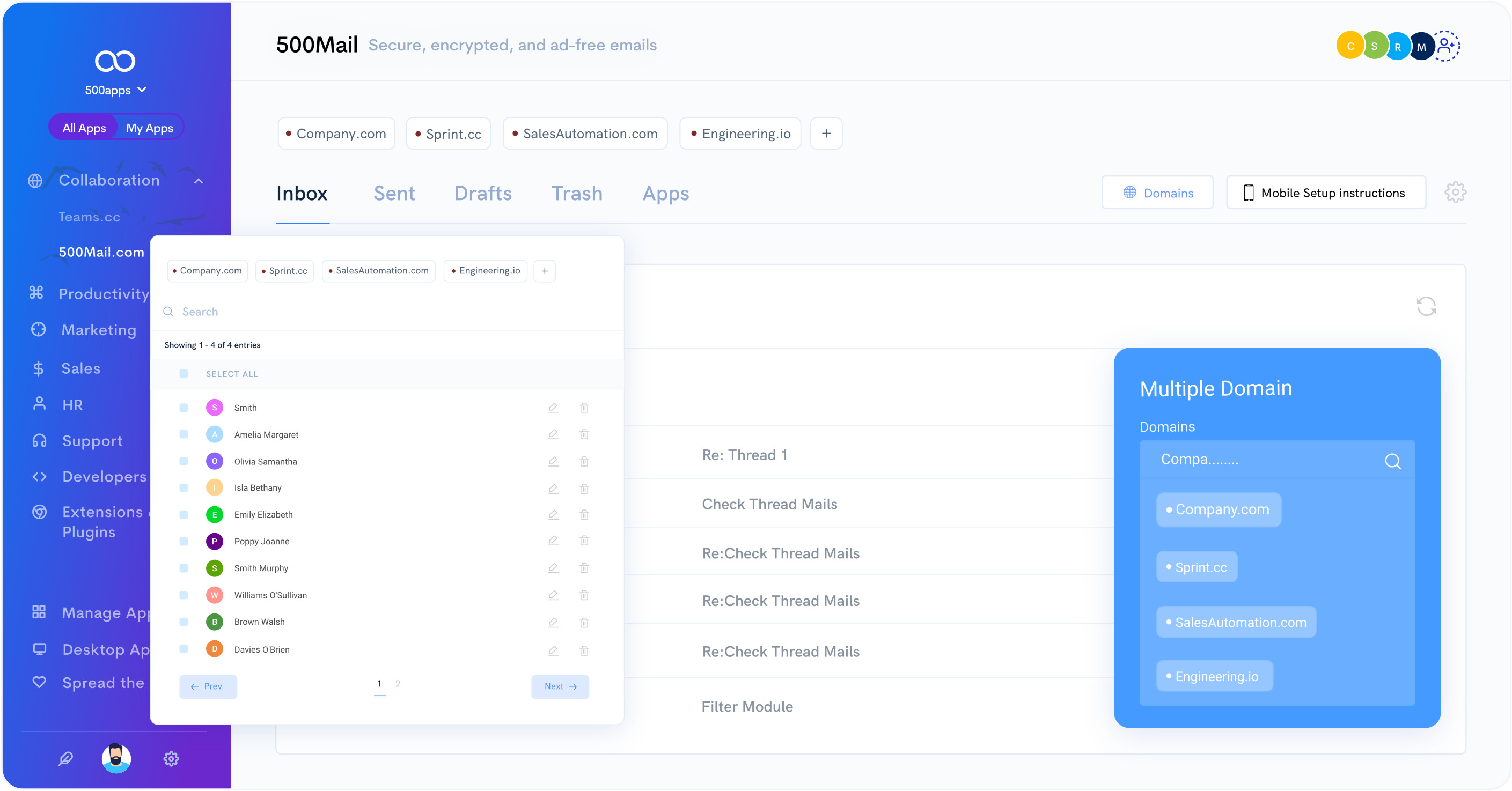 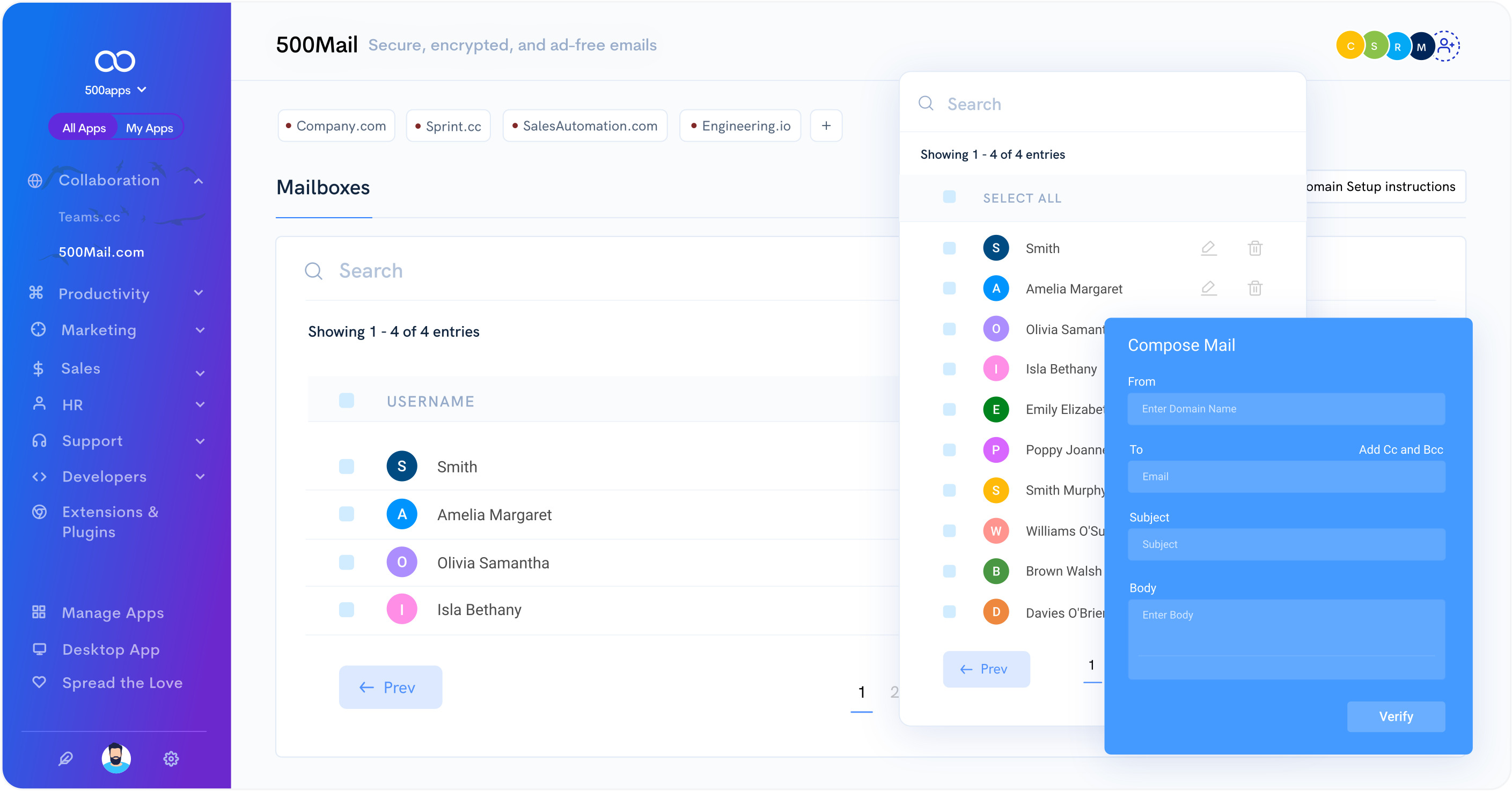 |