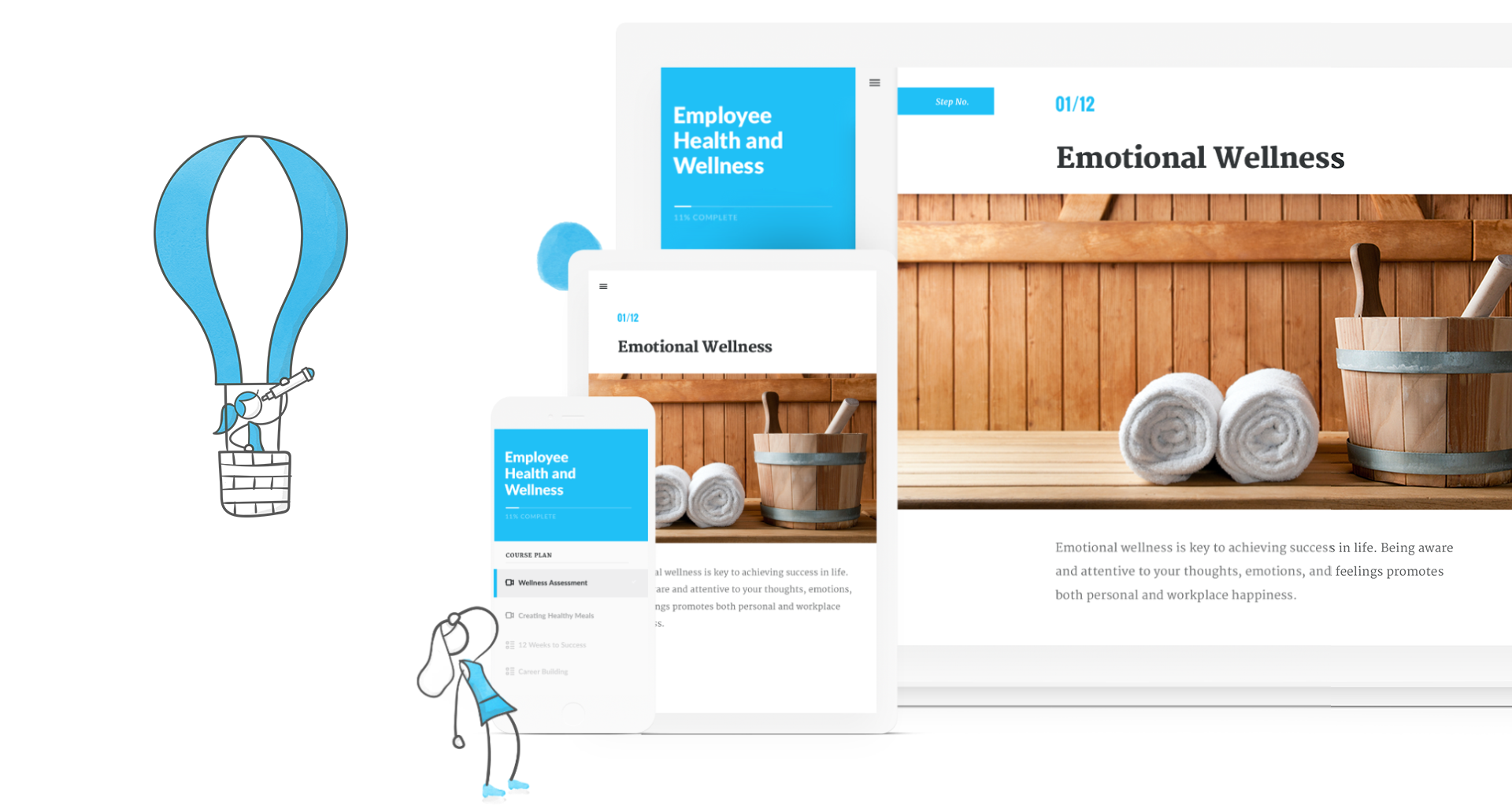
360Learning headquartered in Paris offers their workforce training learning management system.
$8
per month per user
Articulate 360
Score9.3 out of 10
N/A
Articulate 360 is an e-learning platform for creating workplace training. Users can build engaging courses with AI-enhanced authoring, simplify collaboration, and quickly share content. A subscription includes robust onboarding resources and access to a community of 1.5M pros.
$1,124
per year
Pricing
360Learning
Articulate 360
Editions & Modules
Team
$8
per user, per month
Business
Contact Sales
Enterprise
Contact Sales
Articulate 360 Standard - Academic - Teams Plan
$1,124
per year
Articulate 360 Standard - Personal Plan
$1,199
per year
Articulate 360 AI - Personal Plan
$1,449
per year
Articulate 360 Standard - Teams Plan
$1,499
per year
Articulate 360 AI - Teams Plan
$1,749
per year
Offerings
Pricing Offerings
360Learning
Articulate 360
Free Trial
Yes
Yes
Free/Freemium Version
No
No
Premium Consulting/Integration Services
No
No
Entry-level Setup Fee
No setup fee
Optional
Additional Details
—
If you’re new to Articulate 360, you can try it out free of charge for 30 days. After the trial period is over, you can subscribe to one of our packages.
Articulate 360 is available on the Articulate website and through Articulate Authorized Resellers.
360Learning is an ideal choice for organizations looking to decentralize their learning and development initiatives and engage internal experts. With its user-friendly course builder, the platform enables us to easily train employees throughout the organization. The Champion Solution serves as a powerful project management tool, ensuring collaboration and alignment with SMEs to create top-notch content. The transparency in 360Learning's roadmap and the excellent support from the customer success team further enhance the overall experience. By choosing 360Learning, organizations can unlock the potential of their internal experts and revolutionize their learning and development processes
I've been using Articulate for about 13 years and it has continually improved over the years. I appreciate all of the updates/changes that have occurred. For me, Articulate products are super easy to learn and use. The more you use them the better you become. When I began my current job the training modules were in Lectora, which I found to be extremely archaic and cumbersome. I was able to get Articulate and transferred all 56 modules over to Storyline because it is so much easier to use. I recently moved all of my modules over to Rise and use Storyline to create the module scenarios. It works like a charm. I cannot imagine using a different application to do what I do.
A de minimis incentive was given to thank the reviewer for their time. The incentive was not used to bias or drive a particular response, nor was the incentive contingent on a positive endorsement. More Info
So Articulate does very well with usability, so it's a very easy product to use. I've had to onboard an employee who was able to learn the program within a month, I think was amazing, and they were able to create the first course within five months of working at the company. So if that's not a testament to how easy it is to use, I don't know what is.
A de minimis incentive was given to thank the reviewer for their time. The incentive was not used to bias or drive a particular response, nor was the incentive contingent on a positive endorsement. TR verified that a representative sample of customers was invited. More Info
Sometimes the platform isn't as intuitive as I'd like
Frequent updates that can impact the guidelines we establish for our internal employees
Catalog access for courses is linked to programs requiring participants to retake a program instead of just replaying a singular course. This is being addressed in a future update.
I'd love to have Rise have a little more engaging interactivity blocks available. It'd be nice to have more of those just ready to choose from with them rather than us having to create them. Yeah, that's always the challenge with Rise is just making the course more engaging to the learner and more, whereas Storyline does that easily, but with Rise it takes a little more thinking on our end.
A de minimis incentive was given to thank the reviewer for their time. The incentive was not used to bias or drive a particular response, nor was the incentive contingent on a positive endorsement. TR verified that a representative sample of customers was invited. More Info
I haven't seen any other platform for developing learning materials that is as comprehensive or as reliable as Articulate has proven to be for our use. Because our group has a number of PowerPoint power users, the PowerPoint integration with Articulate is particularly beneficial.
A de minimis incentive was given to thank the reviewer for their time. The incentive was not used to bias or drive a particular response, nor was the incentive contingent on a positive endorsement. TR verified that a representative sample of customers was invited. More Info
You don't really need to be trained to use it, it's like social media. If not, there's full documentation available, it's not a steep learning curve at all. There's lots of advice about how to better use the platform too. I don't see any need for improvement here but left a 9/10 JUST in case.
A de minimis incentive was given to thank the reviewer for their time. The incentive was not used to bias or drive a particular response, nor was the incentive contingent on a positive endorsement. More Info
I rate Articulate 360's usability at a 10 because. First, the UI is easy to understand. I don't spend precious time searching for the right tool. The UI is laid out beautifully and simple. If there is hidden features, I have not needed them or looked for them. In my opinion, anyone used to working with software will have no trouble using Articulate.
A de minimis incentive was given to thank the reviewer for their time. The incentive was not used to bias or drive a particular response, nor was the incentive contingent on a positive endorsement. More Info
A de minimis incentive was given to thank the reviewer for their time. The incentive was not used to bias or drive a particular response, nor was the incentive contingent on a positive endorsement. TR verified that a representative sample of customers was invited. More Info
A de minimis incentive was given to thank the reviewer for their time. The incentive was not used to bias or drive a particular response, nor was the incentive contingent on a positive endorsement. TR verified that a representative sample of customers was invited. More Info
I rate the overall support for Articulate 360 with a 9. On the one hand because of the smooth and accurate support from Articulate's support team (usually within 24 hours) and on the other because of the commitment / use of a community (e-learning Heroes) where I have all kinds of insights from other helpful users.
A de minimis incentive was given to thank the reviewer for their time. The incentive was not used to bias or drive a particular response, nor was the incentive contingent on a positive endorsement. TR verified that a representative sample of customers was invited. More Info
The online training options given by the online tutorials, forums, and "E-Learning Heroes" community are simply awesome. Examples galore, easy to understand descriptions including step-by-step guides, images, occasionally videos, and the "Articulate Insiders" sub-community give you more materials to learn about Storyline than you are likely to be able to read.
Outside of having to dedicate a powerful enough PC for the installation and having to update Flash in our browsers there really isn't much pain involved in using Articulate. For the most part this is an easy to implement and roll-out product. The installation occurs quickly and smoothly with no additional steps needed.
We had a lot of reasons for choosing to partner with PSA for our Learn 360 platform. The others were a much larger price, were not as easy to use, were not as feature-rich, and didn't have us plugged into so many relevant titles at any time. They also didn't seem as adaptable or have an AI component built in.
Articulate is vastly superior to Microsoft Powerpoint in many ways. Obviously, for computer-based training, Articulate is in a category of its own, but even for facilitated training, the different features like variables, layers, and states give it an edge over PowerPoint. The recent addition of the morph function to articulate really eliminated the last function in which PowerPoint was superior.
A de minimis incentive was given to thank the reviewer for their time. The incentive was not used to bias or drive a particular response, nor was the incentive contingent on a positive endorsement. More Info
More accessible course creation. We actually built our business strategy training, which is kind of unique for our line of business that we even have this arm. The strategy is to essentially maximize Rise, maximize Storyline, and its ability to quickly customize slide by slide and voiceover to build a base library of content that kind of goes along within 80 20, what most of our users use as a process. Then approach new customers and be able to turn around content relatively quickly because we can go side by side and make updates as needed, whether that's quickly to screenshots, adding their policy points, just altering a couple of layers and we can create custom content. So I guess risk mitigation, but really it's our primary strategy.
A de minimis incentive was given to thank the reviewer for their time. The incentive was not used to bias or drive a particular response, nor was the incentive contingent on a positive endorsement. TR verified that a representative sample of customers was invited. More Info