10000ft vs. Planview AdaptiveWork

Overview
ProductRatingMost Used ByProduct SummaryStarting Price
10000ft
Score 6.3 out of 10
N/A
10,000ft is a high-level resource planning and insights tool for project management that serves as visual resource planning software.
$9
per month per user
Planview AdaptiveWork
Score 7.4 out of 10
N/A
Planview AdaptiveWork is a web-based collaborative work management software. Planview AdaptiveWork enables users to connect employees and partners and create documents, reports and specialized workflow automation. Planview AdaptiveWork is designed to work across multiple teams to enable cross-company task, project, and resource management.N/A
Pricing
10000ftPlanview AdaptiveWork
Editions & Modules
Pro
$9
per month per user
Business
$32
per month per user
Enterprise
Contact Sales
per month per user
No answers on this topic
Offerings
Pricing Offerings
10000ftPlanview AdaptiveWork
Free Trial
YesYes
Free/Freemium Version
NoNo
Premium Consulting/Integration Services
NoNo
Entry-level Setup FeeNo setup feeOptional
Additional DetailsIf billed yearly, Pro version is offered at a discounted rate of $7/user/month and Business is offered at $25/user/month.
More Pricing Information
Community Pulse
10000ftPlanview AdaptiveWork
Features
10000ftPlanview AdaptiveWork
Project Management
Comparison of Project Management features of Product A and Product B
10000ft
4.5
Ratings
52% below category average
Planview AdaptiveWork
-
Ratings
Task Management6.30 Ratings00 Ratings
Resource Management8.00 Ratings00 Ratings
Gantt Charts9.00 Ratings00 Ratings
Scheduling7.10 Ratings00 Ratings
Workflow Automation4.20 Ratings00 Ratings
Team Collaboration4.00 Ratings00 Ratings
Support for Agile Methodology1.00 Ratings00 Ratings
Support for Waterfall Methodology1.00 Ratings00 Ratings
Document Management6.00 Ratings00 Ratings
Email integration1.00 Ratings00 Ratings
Mobile Access1.00 Ratings00 Ratings
Timesheet Tracking7.00 Ratings00 Ratings
Change request and Case Management3.80 Ratings00 Ratings
Budget and Expense Management3.80 Ratings00 Ratings
Professional Services Automation
Comparison of Professional Services Automation features of Product A and Product B
10000ft
5.0
Ratings
41% below category average
Planview AdaptiveWork
-
Ratings
Quotes/estimates6.00 Ratings00 Ratings
Invoicing2.00 Ratings00 Ratings
Project & financial reporting7.00 Ratings00 Ratings
Best Alternatives
10000ftPlanview AdaptiveWork
Small Businesses
Stackby
Stackby
Score 9.0 out of 10
HaloPSA
HaloPSA
Score 9.3 out of 10
Medium-sized Companies
InEight
InEight
Score 8.3 out of 10
Teamwork.com
Teamwork.com
Score 8.9 out of 10
Enterprises
InEight
InEight
Score 8.3 out of 10
Wrike
Wrike
Score 8.3 out of 10
All AlternativesView all alternativesView all alternatives
User Ratings
10000ftPlanview AdaptiveWork
Likelihood to Recommend
6.4
(0 ratings)
7.4
(0 ratings)
Likelihood to Renew
4.0
(0 ratings)
7.5
(0 ratings)
Usability
-
(0 ratings)
7.3
(0 ratings)
Availability
-
(0 ratings)
8.2
(0 ratings)
Performance
-
(0 ratings)
9.1
(0 ratings)
Support Rating
10.0
(0 ratings)
9.1
(0 ratings)
In-Person Training
-
(0 ratings)
8.2
(0 ratings)
Online Training
-
(0 ratings)
5.4
(0 ratings)
Implementation Rating
-
(0 ratings)
8.2
(0 ratings)
Configurability
-
(0 ratings)
8.0
(0 ratings)
Ease of integration
-
(0 ratings)
8.2
(0 ratings)
Vendor post-sale
-
(0 ratings)
9.1
(0 ratings)
Vendor pre-sale
-
(0 ratings)
9.1
(0 ratings)
User Testimonials
10000ftPlanview AdaptiveWork
Likelihood to Recommend
I think this program is pretty great for resource management but wish it included better project management. The ability to add tasks to projects would be really helpful. The expense features have not been usable at our company because they are not robust enough, and the reporting features get similar feedback
Read full review
I've been an AdaptiveWork (Clarizen) admin for the past 14 years, so I've seen much improvement since I started working with the product. I'm very happy we can utilize the hybrid mode by using the cards, I think this was long overdue but it works very well.
Read full review
Pros
  • Clear views
  • Employees said it was easy to use
  • They liked that it reflects changes immediately (or nearly immediately)
Read full review
  • Many ways to acclimate to the system; documentation, videos, community, and contacts.
  • Planview provides scalable customization options tailored to the unique needs of each business unit or department. Easily add or remove fields in the system. As the admin, it was easy to learn how to configure.
  • Offers flexibility to adapt to existing systems and align with organizational workflows and processes. There are multiple ways to customize each part of the system to meet our needs.
Read full review
Cons
  • The only problem I have with 10000ft is that the design/UI has started to feel a little outdated.
  • I would like to have pre-done integrations with other platforms.
Read full review
  • Planview AdaptiveWork's ability to create relations between work estimates, resources, and time is one of its strengths but also one of its drawbacks. The average user is a little less considerate of the way these things interact with each and the automatic way in which Planview AdaptiveWork will affect one or the other can occasionally create a confusing scenario if the user is unaware of how changing one will affect the other
Read full review
Likelihood to Renew
I think there's limited uses for the tool and much more comprehensive options out there for multiple tools in one. With more people working remotely, it's hard to just use email and face to face, in some ways you need to have a tool that's a fall back and a record of where you are + where you're going
Read full review
I give my renewal of this product a 9. It's only because we never know what product may come out next and how other factors in our office political environment may cause impact upon this. If I always had my way, this is what we'd settle on as our de facto project management system.
Read full review
Usability
No answers on this topic
It is easy to configure, intuitive. The customization process is in some ways better than Salesforce.com. It has a great UI. It does however depend on how it's implemented.

The design of it is generally fine, however the ability to data upload people from a spreadsheet is an obvious miss.
Read full review
Reliability and Availability
No answers on this topic
Sometimes it is slow when everyone is entering their time on Fridays or Mondays but other than that we rarely see downtime and maintenance notifications are well in advance.
Read full review
Performance
No answers on this topic
Reports: Quick to Reasonable

Most Ancillary Pages: Quick to Reasonable
(By "ancillary" I mean lesser used/master data maintenance pages - e.g. People, Customers, Individual Tasks, Milestones, etc.)

Work Plan (with 100 sub items): Reasonable to Slow
Read full review
Support Rating
They have been super responsive every time we need them. We built ourselves some integrations with other internal systems, and whenever we needed clarification or help to complete said integrations, they were super responsive. They have a very technical background which makes it super easy to work with when you present to them technical challenges regarding integrations or the use of their API.
Read full review
It's a good experience overall. Clarizen was useful when needed. It's mostly needed for advice on how to do more sophisticated actions or how to change something that was set up administratively. It's seldom used otherwise. The product consistently works, the documentation is acceptable, and the generally intuitive product is easy enough for most staff to pick up without much issue.
Read full review
In-Person Training
No answers on this topic
• We worked with a Project Manager on their side. He was very good about developing a project plan to hit our goal. I think we had weekly or twice weekly calls – very steady cadence over 3 month period.
• Their PM skills were great – kept us on task. For the last week, they sent 2 people on site and they did training for power users. After that a couple of them revisited here
Read full review
Online Training
No answers on this topic
It's easy to access and frequently offered. Often I'm amongst only a few people on the call and get virtually individual attention. I also learn and share with the other attendees and we can see how we've each solved similar challenges.
Read full review
Implementation Rating
No answers on this topic
We have been able to implement AdaptiveWork pretty easily but it requires updating of resource availability and continuous training as roles change and new people join the company. Other documentation is used such as spreadsheets for longer range planning and project approval
Read full review
Alternatives Considered
Lower cost, easier interface, lower learning curve. More use it than past software b/c of these reasons. We use it now daily instead of as needed.
Read full review
Planview AdaptiveWork was the right size, at the right price point that fit our customization and integration flexibility. It is intuitive to use but allowed us to add complexity as our needs grew
Read full review
Return on Investment
  • Accurate forecasting.
  • Source of truth.
Read full review
  • Planview AdaptiveWork allows us to report out on the status of our real estate projects on a regular basis. We have internal objectives that need to be met for on-time delivery and Planview AdaptiveWork provides us the data to be able to show how the teams are tracking on delivery.
Read full review
ScreenShots

Planview AdaptiveWork Screenshots

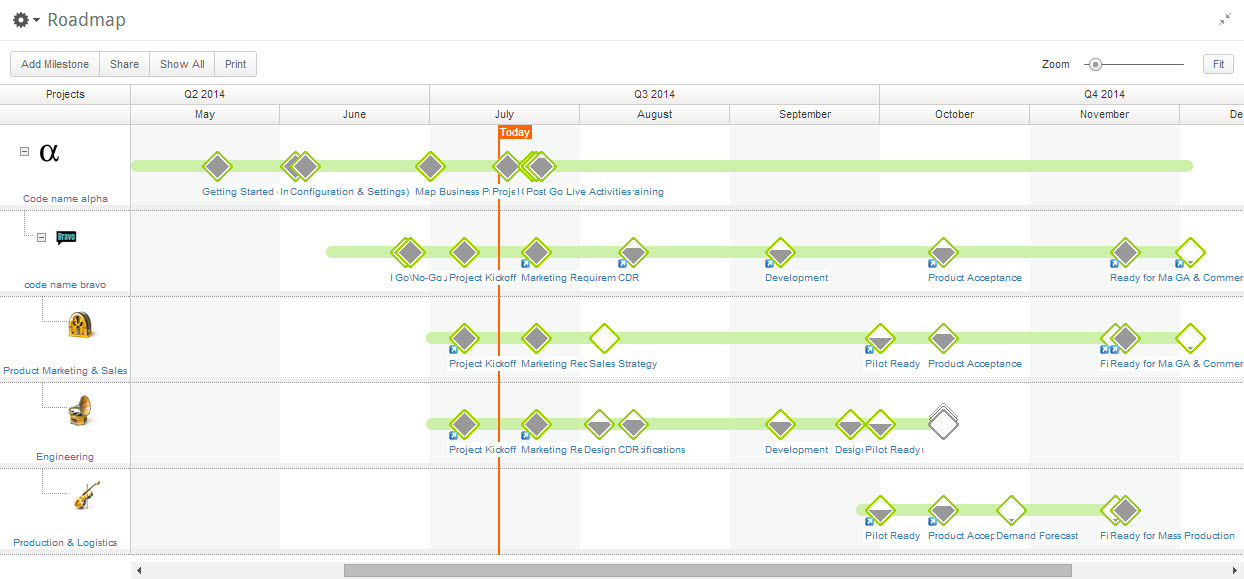
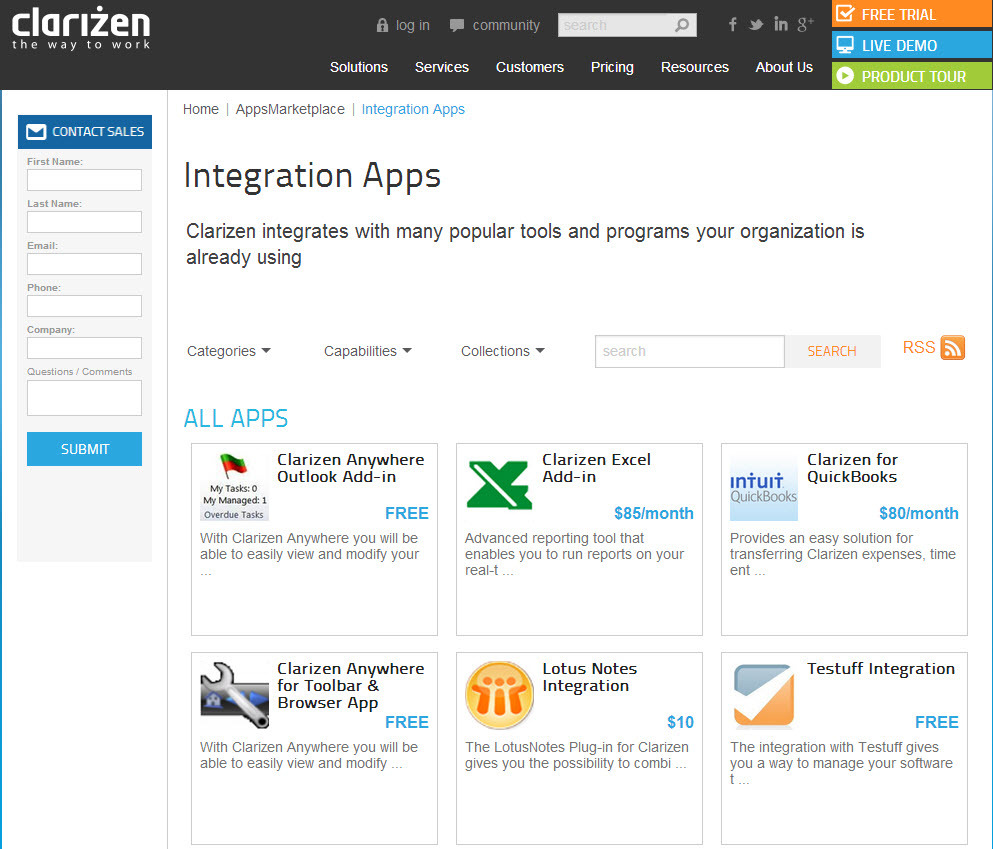
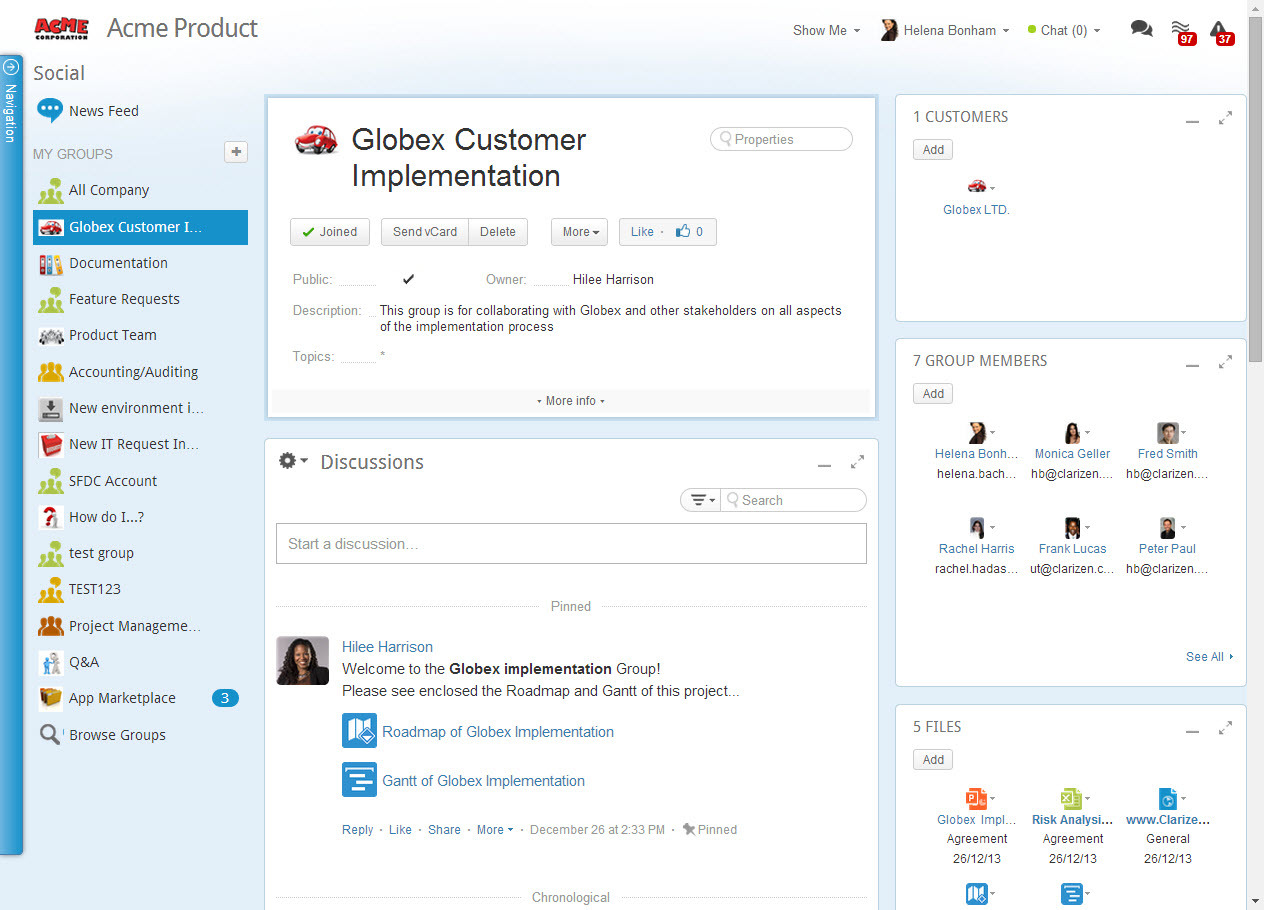
Screenshot of AdaptiveWork's Portfolio ManagementScreenshot of Integration Through an Array of AppsScreenshot of Real-Time Project ManagementScreenshot of Social Collaboration - From Ideation to Project Delivery